
【AIComics】
A Practical Guide to Mastering Comic Generation
👉日本语版
Have you ever marveled at beautiful, standalone AI-generated images, but struggled with how to use them to tell a story? The biggest challenge isn't the art style or the creativity—it's ensuring the character in every panel remains highly consistent! By following this tutorial, you will master the core workflow from "script" to "storyboard" to "final image," and learn how to maintain a high degree of character consistency across multiple comic panels.
Step 1: Script & Storyboard — You Are the Director of the Story
The AI is your powerful artist, but you are the director responsible for telling the story. The first step is always planning. You need to create a storyboard script for your story, which will help you solidify the ideas in your head and clarify the narrative rhythm and visual arrangement.
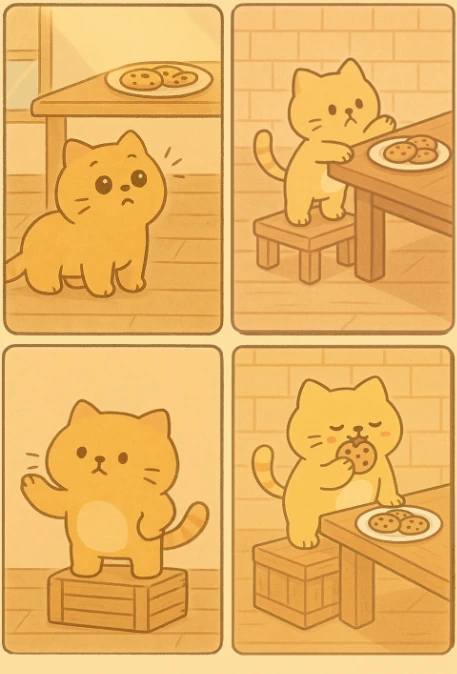
For example, if your story is about a cat trying every possible way to eat a cookie on the table, you would break it down into the following four panels:
Panel 1: A small cat is lying lazily on the floor, then suddenly looks up with wide eyes, having discovered the cookies on the dining table.
Panel 2: The cat gets up and walks to the table. It lifts a front paw, trying to reach the cookies, but finds they are too high. It tilts its head and starts to think of a plan.
Panel 3: The cat finds a stack of wooden boxes and steps on them to test the height.
Panel 4: The cat takes a big bite of a cookie, with crumbs on the corner of its mouth, its tail wagging happily, and its eyes squinted into
Step 2: Maintaining Character Consistency
There are generally three ways to maintain character consistency: Fixed Seed, Detailed Description, and Character LoRA.
Fixed Seed:
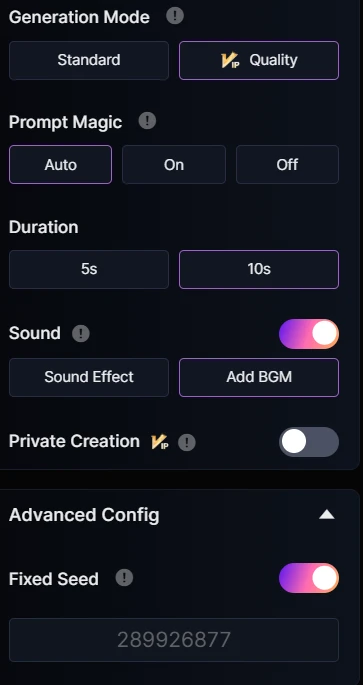
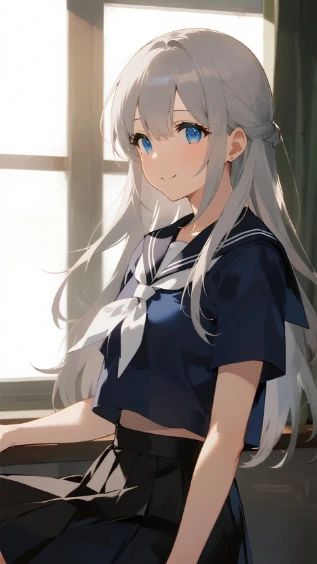
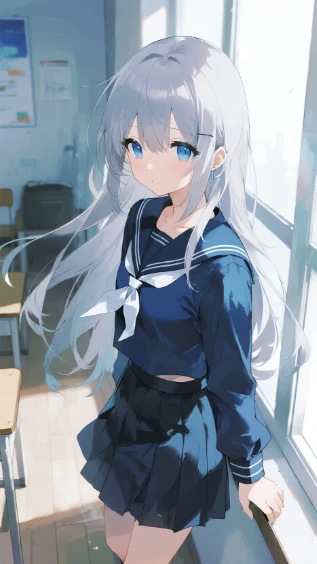
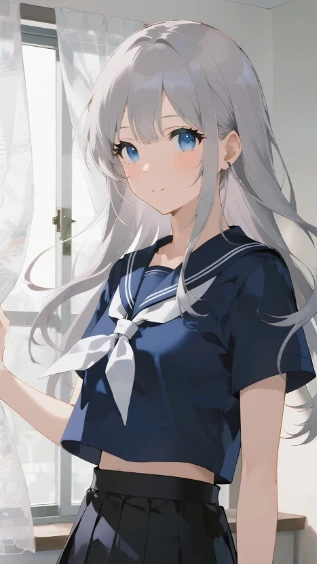
When generating an image, the Seed is like a unique "DNA" that determines the initial noise pattern. Fixing this value ensures that the overall structure, lighting distribution, and main subject features of each generated image are very similar. You just need to enable the "Fixed Seed" option in the advanced settings.
Detailed Description:
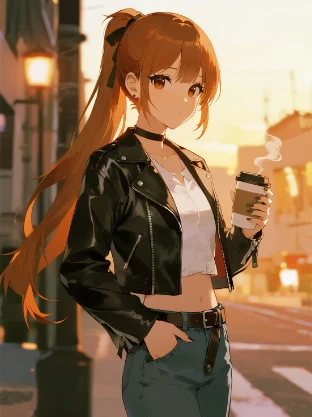
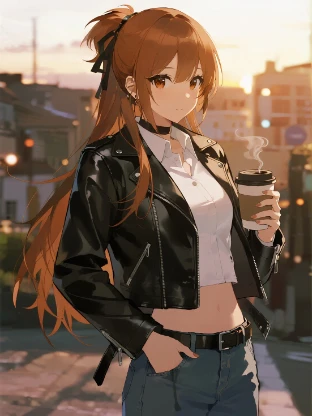
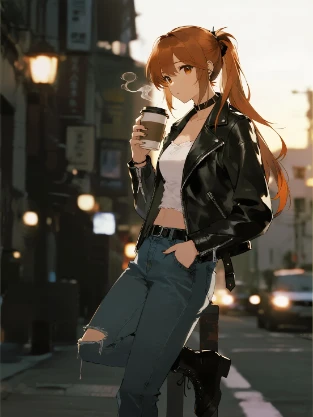
By making the character's description in every prompt as precise and detailed as possible (e.g., hair color, eye color, clothing, features), and keeping this part of the prompt consistent, you continuously "remind" the AI of the character it's supposed to be drawing.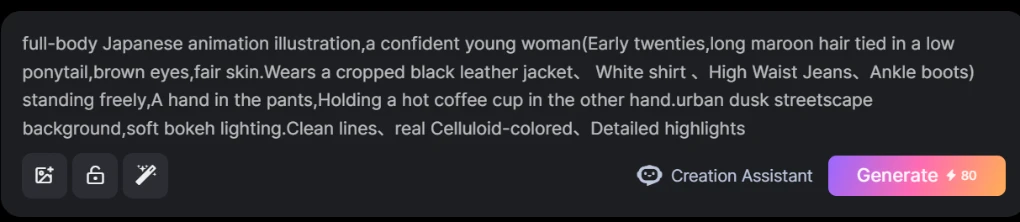
Character LoRA:
LoRA (Low-Rank Adaptation) is a fine-tuning technique that adds a small "adapter" on top of the base model. This adapter stores only the feature information of a specific character, efficiently allowing the AI to firmly "remember" a character's appearance and summon it in any scene or pose. Some LoRAs require a trigger word; simply add the trigger word to your prompt to use it. If you want to create your own original character, you can train a LoRA model for them.
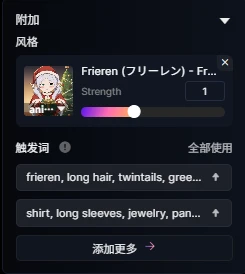
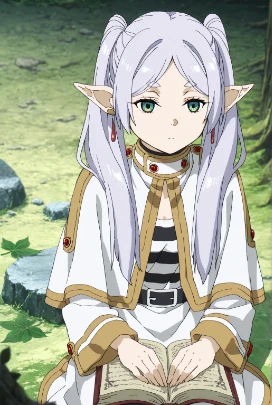
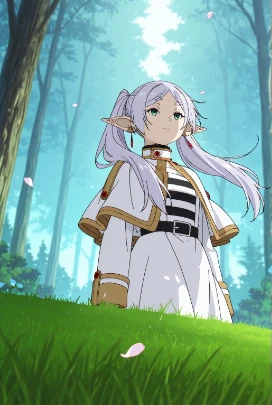
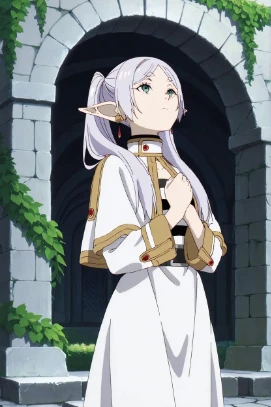
Comparison Summary of the Three Methods:
Fixed Seed: The simplest and best for beginners. It's easy and direct, but offers low flexibility and cannot handle significant changes in action, perspective, or scene. If your prompt changes too much, the consistency will break.
Detailed Description: A more universal method that works for all AI models, but it requires strong prompt-writing skills. It works relatively well for models like SeaArt Film but is less effective on other large models.
Character LoRA: Provides the best results with extremely high character stability, but has a higher barrier to entry and a learning curve. If a corresponding LoRA doesn't exist, you need to train one yourself, which can be challenging.
Case Study: The Complete Workflow from Script to AI Comic
This case study will use a "four-panel comic" as its creative goal to fully demonstrate how to apply these core techniques to generate four stylistically unified and narratively coherent comic panels.
Step 1: Conceive the Script
I'm going to create a four-panel comic with the storyline "Miku oversleeps and doesn't finish her work." We'll break this simple story down into four panels, with each one carrying an independent plot point or emotional beat. This is the "blueprint" for our AI comic.
Panel 1: Miku sits at her computer, working diligently.
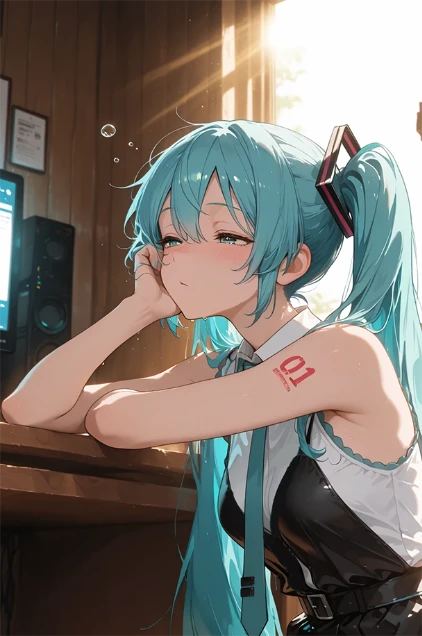
Panel 2: Miku is gradually overcome by sleepiness and starts slumping over her keyboard.
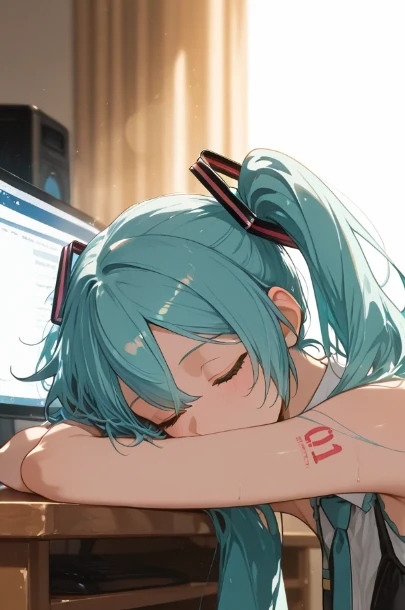
Panel 3: Miku is fast asleep, resting on her keyboard.
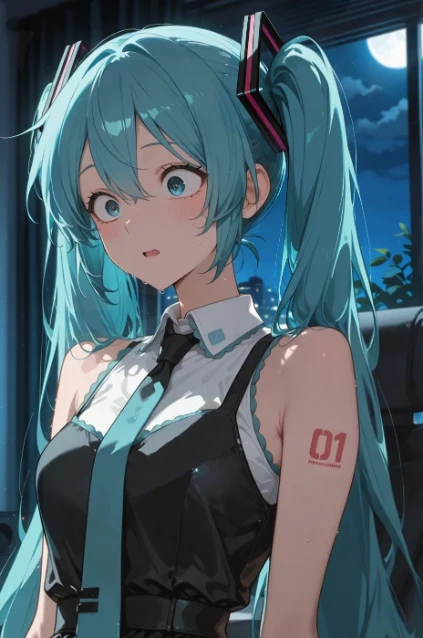
Panel 4: Miku wakes up to discover it's already nighttime.
Step 2: Maintain Character Consistency & Set the Style
To ensure the main character remains highly consistent, we will use the Character LoRA method.
Choose a compatible model, like Sakana XL (Illustrious), and then select a suitable LoRA. Here, we'll choose the Miku Hatsune (初音ミク) - Vocaloid LoRA. You just need to input the corresponding character feature trigger words to have the AI accurately generate the character you want. 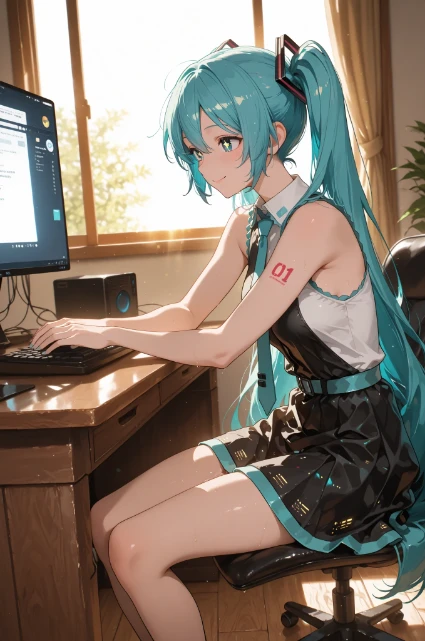
Panel 1 Prompt:
miku hatsune, ahoge, aqua eyes, aqua hair, crossed bangs, hair between eyes, hair ornament, long hair, twintails, Sitting at a wooden desk, typing, concentrating on looking at the computer monitor, bright sunlight shines in from the window on the left, creating warm light spots on the desk and floor.
Panel 2 Prompt:
miku hatsune, ahoge, aqua eyes, aqua hair, crossed bangs, hair between eyes, hair ornament, long hair, twintails, sitting at a wooden desk, sleepy with one hand on face, bright sunlight shines in from the window on the right, creating warm light spots on the desk and floor.
Panel 3 Prompt:
miku hatsune, ahoge, aqua eyes, aqua hair, crossed bangs, hair between eyes, hair ornament, long hair, twintails, she buried her head in her arms on the wood desk to sleep, the computer screen is on, bright sunlight shines in from the window on the right, creating warm light spots on the desk and floor.
Panel 4 Prompt:
miku hatsune, ahoge, aqua eyes, aqua hair, crossed bangs, hair between eyes, hair ornament, long hair, twintails, looking at the computer with eyes wide open, filled with fear and despair, Night falls.
By following this complete workflow—from script to storyboard, and then to precise prompt design—you can successfully use AI to create a coherent, lively, and interesting four-panel comic.
The core of this methodology is to break down a complex creative process into manageable, optimizable steps. You are no longer just blindly "chatting" with the AI; you have become a true director and creator. With this foundation, you can try creating longer stories, such as an eight-panel or even a longer series. You can also explore more complex visual effects, like using changes in lighting to enhance emotion, or using different paneling techniques to speed up or slow down the narrative pace.
AI is your paintbrush, but your creativity and story are the soul. Pick up this guide and start your AI comic creation journey!