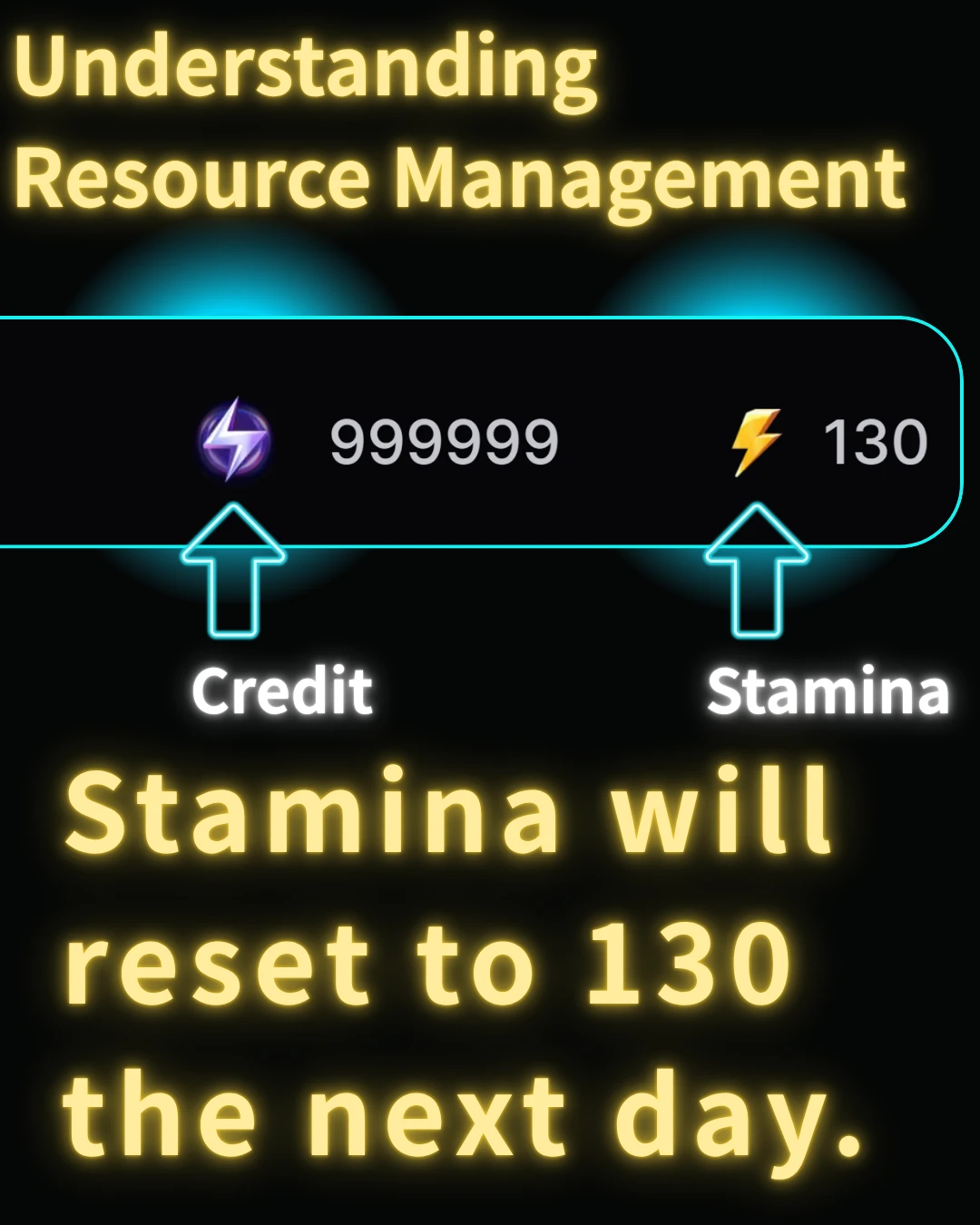

Let's clarify the difference between Stamina and Credits, using an example of 130 Stamina.
Stamina works like a daily refresh. If you have 130 Stamina today, it will reset to 130 tomorrow, regardless of how much you used. For instance, even if you use 10 and are left with 120, it will still be 130 the next day. Unused Stamina does not accumulate.
You can also acquire Stamina by subscribing to a monthly plan for services like SeaArt.
Credits, on the other hand, are like a one-time use currency.
They do not reset daily; they can be carried over and saved for later use.
Cost Table
Here is a table of how many you can generate with 130 Stamina.
For free users, if you want to conserve your limited Stamina, it's advisable to lower the generation cost per image.
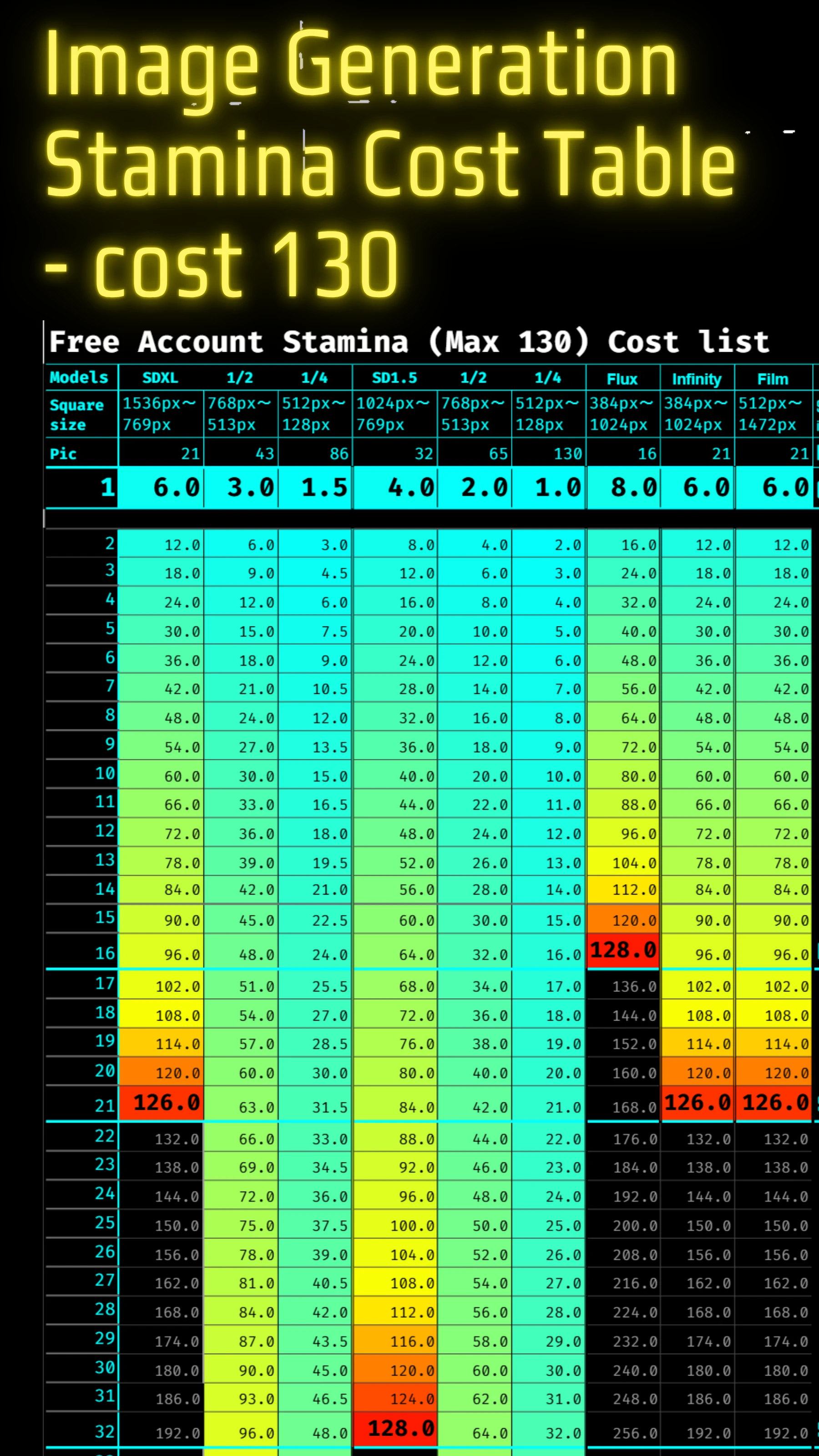
This is a table of how many pieces can be generated with 130 Stamina. For more details, see the following link.
You can refer to Free 130 Stamina: A Comprehensive Guide to AI Image Generation Costs, sdxl sd for examples of costs per model.
Size and image generation cost table
The COST changes with pixel size.
SDXL and SD1.5 are half the cost at 768px or less.
image quality is degraded.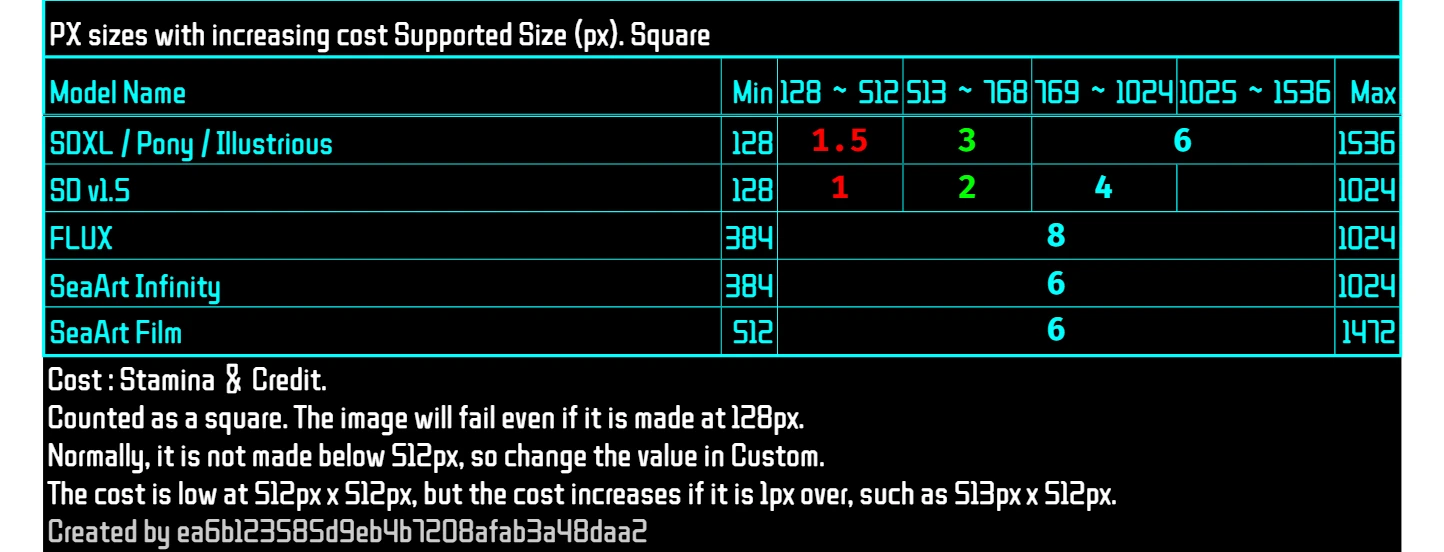
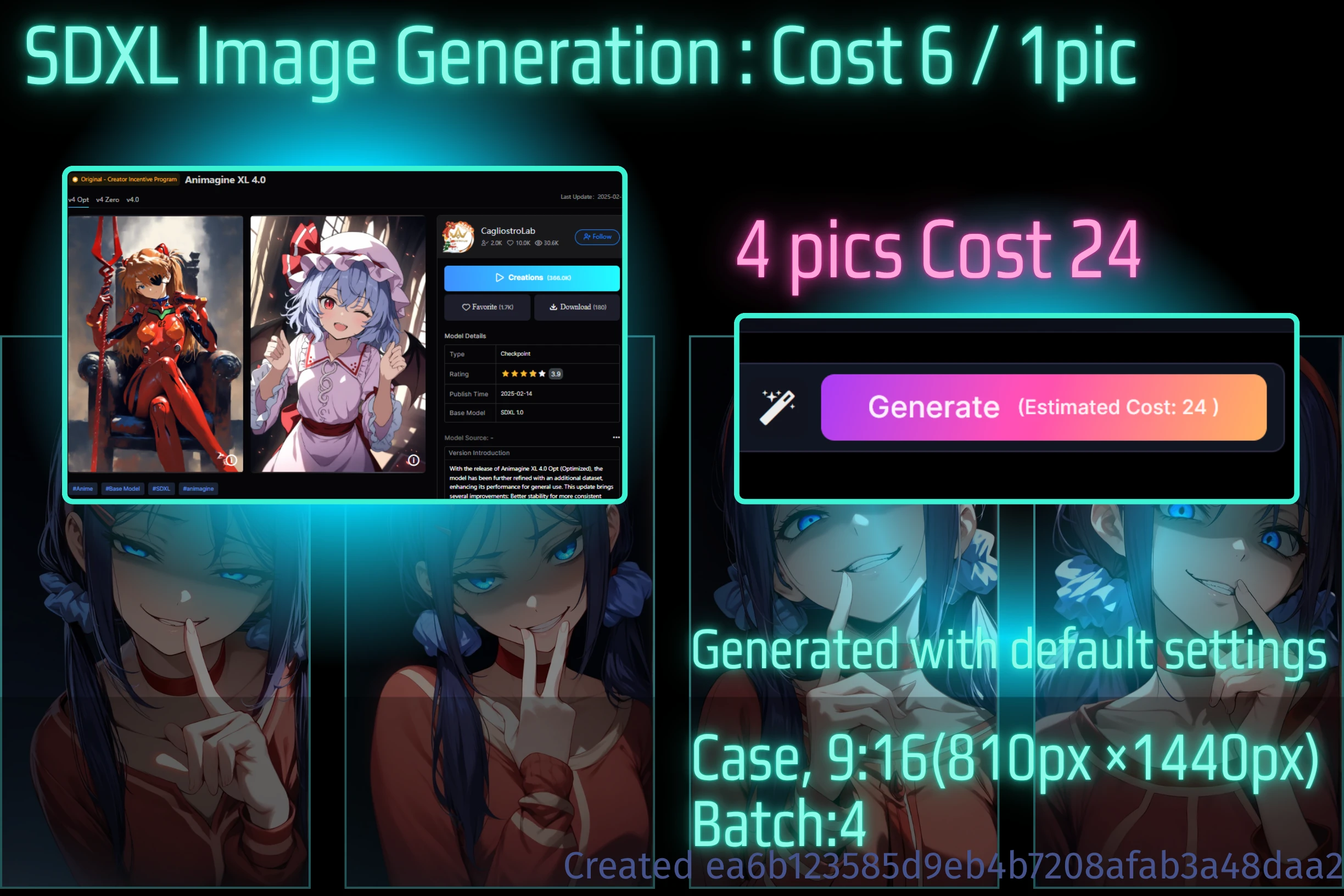
Typically, you can generate one to four images at a time. While batch generation (creating multiple images at once) is useful for producing many images quickly, it carries a higher risk of failure if your prompts or parameter settings aren't precise.
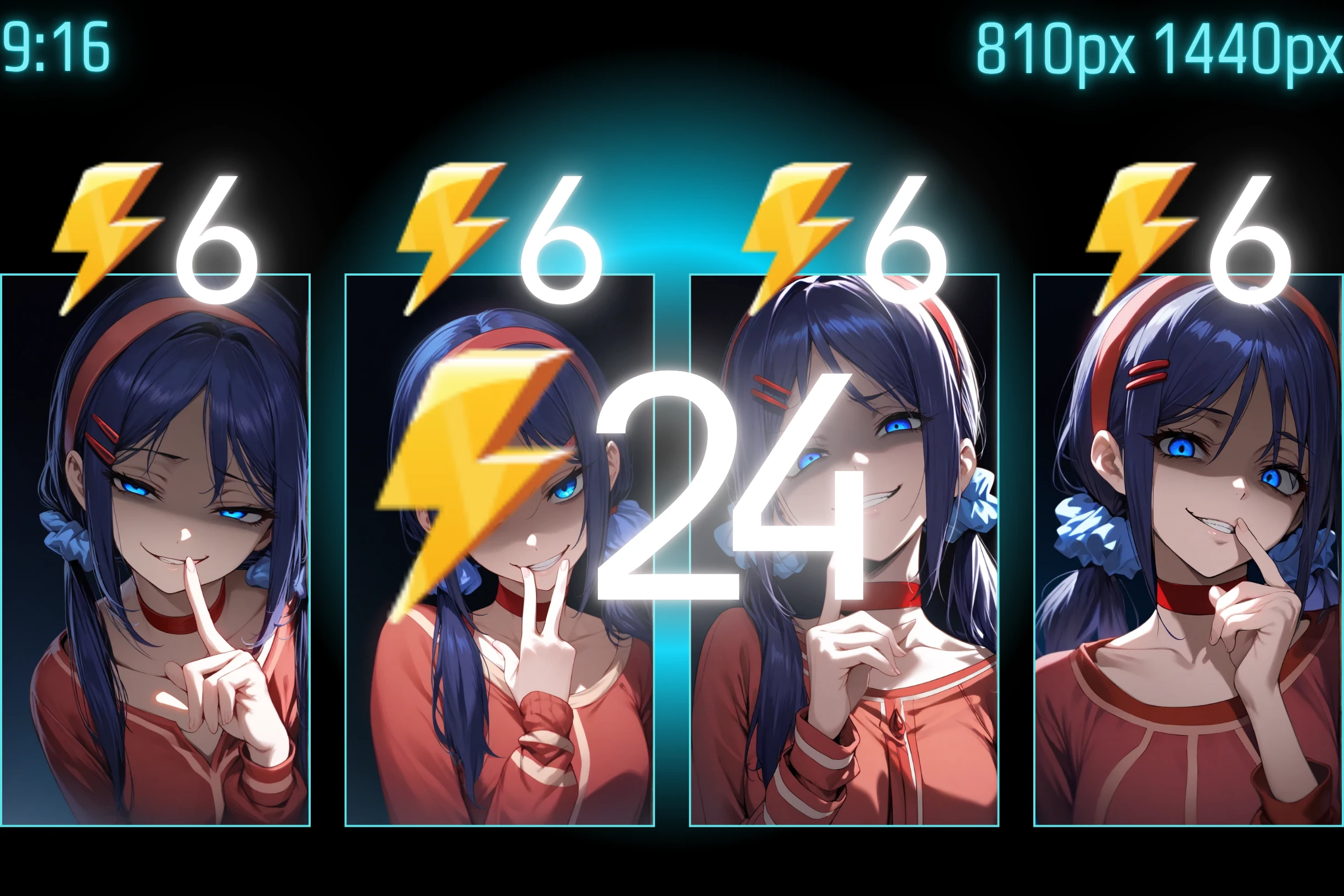
Generating four images in a single batch means you'll lose that amount of Stamina even if they all fail. Therefore, it's generally better to generate images one by one when you're still refining your settings.
However, sometimes a batch of four images might reveal a successful parameter combination in the second, third, or fourth image that wasn't apparent in a single generation. Generating in a batch of four also makes it easier to compare outputs. I've personally found that using a cost of 3 (for example, with a specific px size) wasn't very effective compared to standard generation.
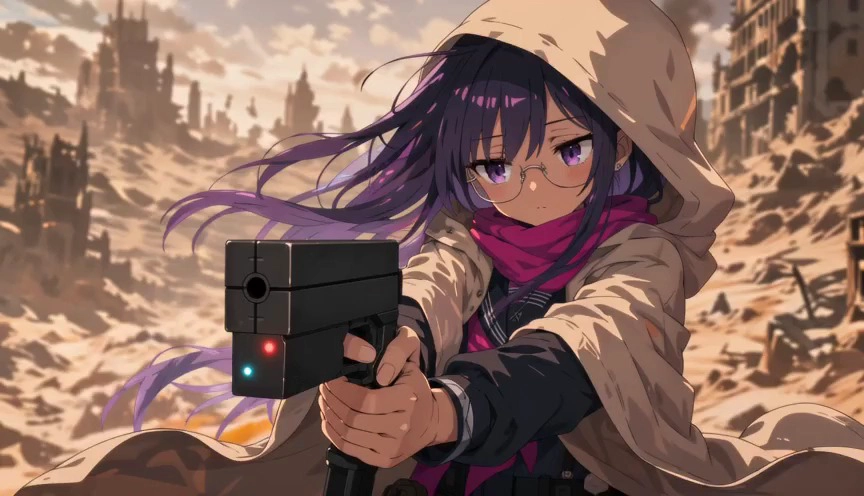
Here you can see images for a 2:3 image with COST 6, COST 3, and COST 1.5.
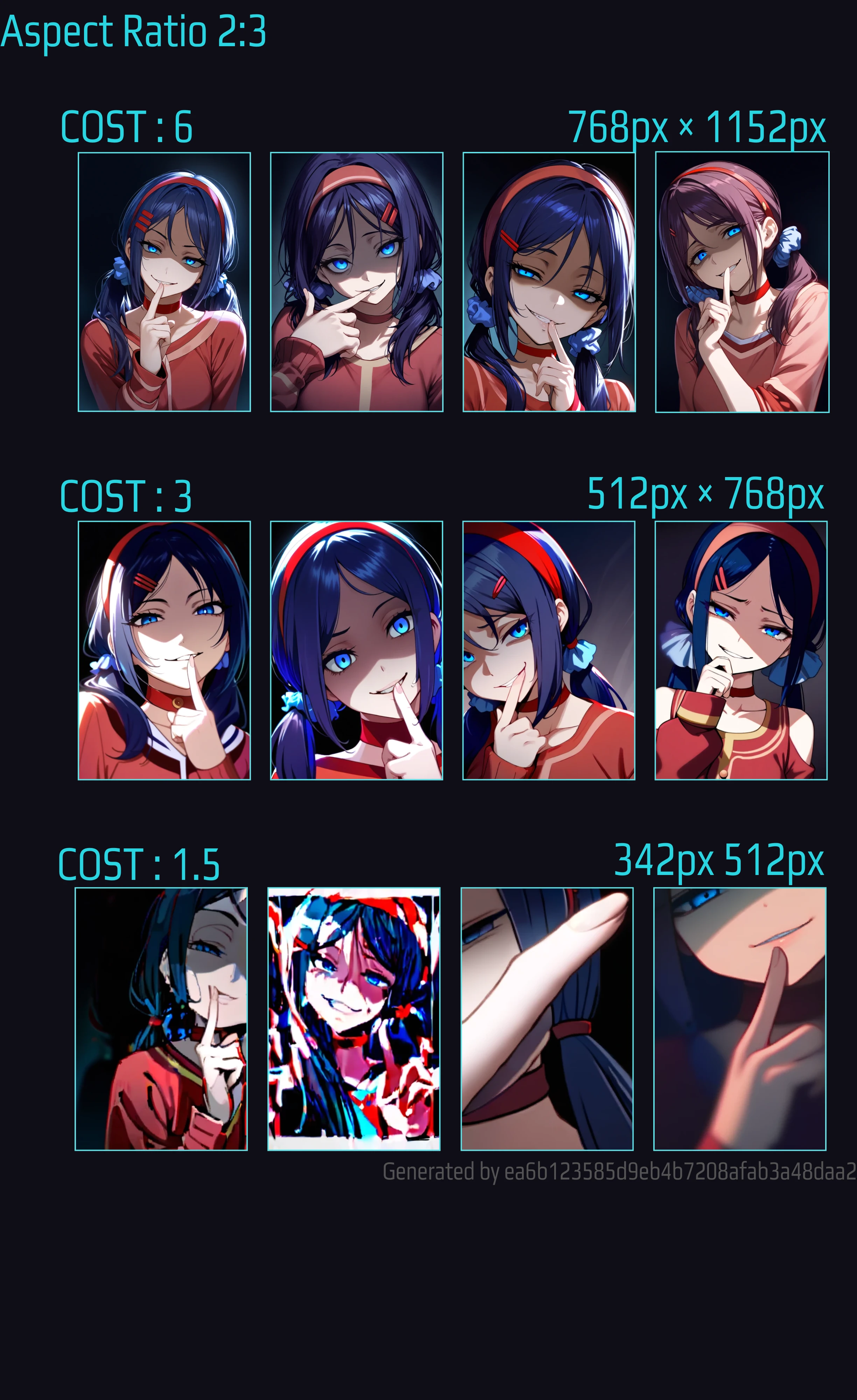
Create:⚡️COST6⇨⚡️COST3(4pic 12)SDXL 2:3 TEMPLATE.⤴️
If your goal is to create many images without sacrificing quality, you might consider the method below.
📖Article: Halved Generation Cost Below 768px,SDXL and Sd1.5,
COST3 has a resolution range of 512px and 768px. There is little shading such as hair and shadows like COST6.
By the way, if you insert a header image into a 2:3 image, it will look like the image below.
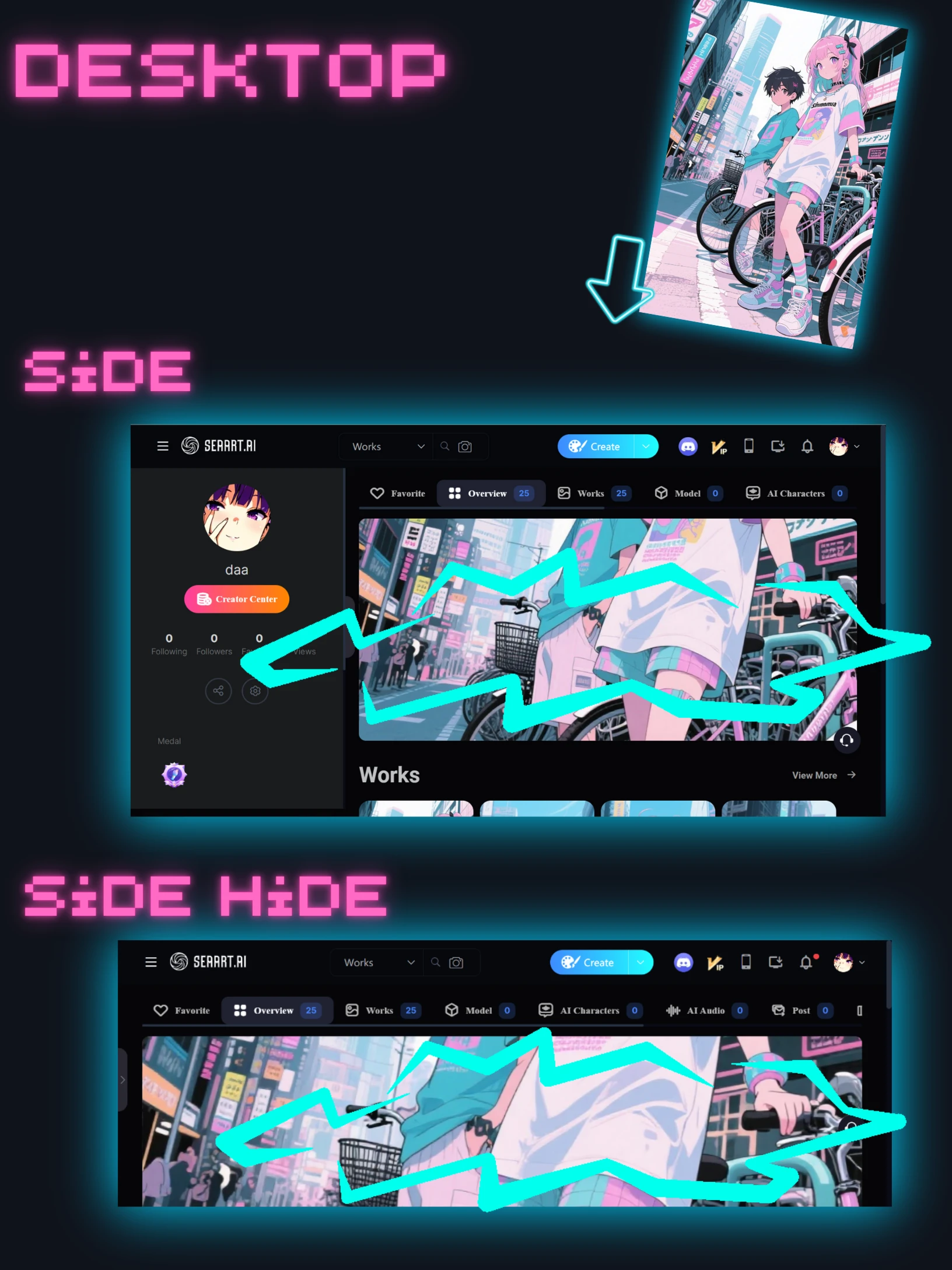
Click here for details:Using a vertical image for the header image will fail