Not enough ratings or reviews received yet


Clear Face-Shape Summary
Get a simple face-shape result plus a readable explanation, so you know what the tool is basing the recommendation on.
Actionable Style Tips
Turn the result into next steps with hairstyle and makeup suggestions that match the reported features.
Results in Seconds
Upload once and receive a card-style analysis report fast, without manual measuring or face-ratio calculations.

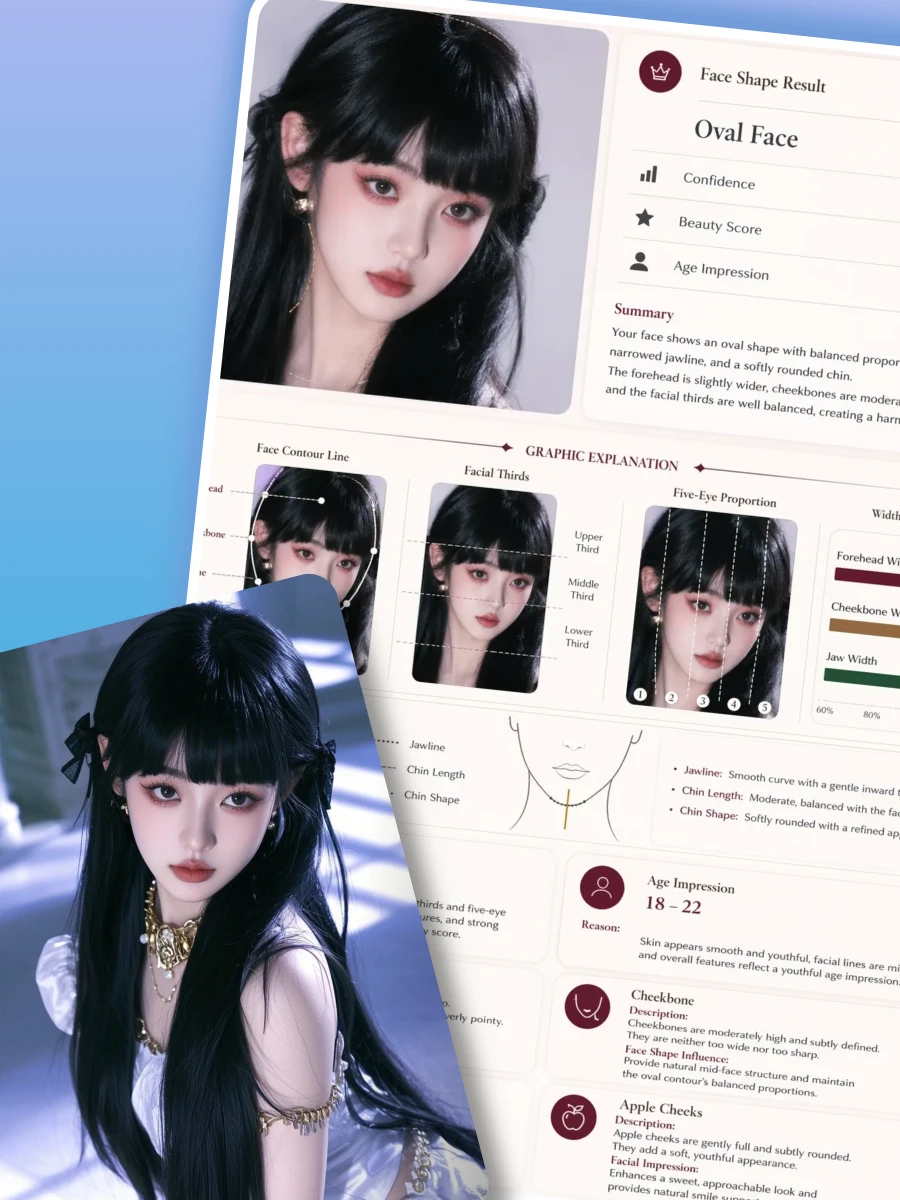
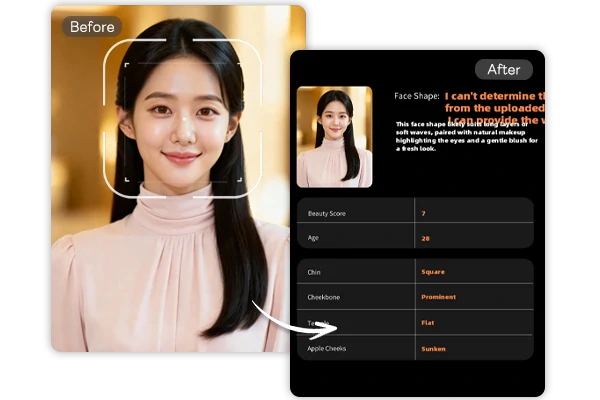
Run a quick check with face shape detector. The output is designed like a clean dashboard: your photo preview, a face-shape result, a short recommendation paragraph, and a detailed feature panel.

Upload a clear portrait to face shape detector and receive a structured report with a face shape analysis (such as heart, oval, or round) plus the key cues the system identified (for example, jawline contour and cheekbone balance). If the result says it cannot determine your face shape, re-upload with brighter, even light, a neutral expression, and hair pulled away from the jawline for a cleaner read.

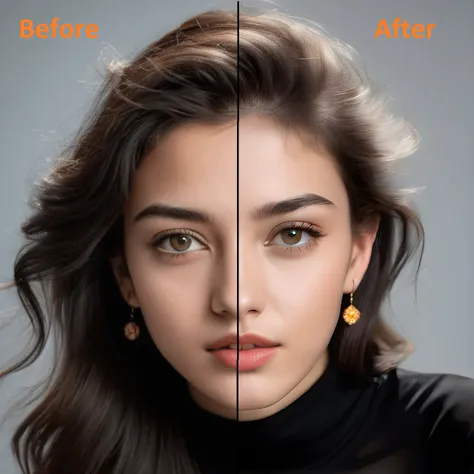
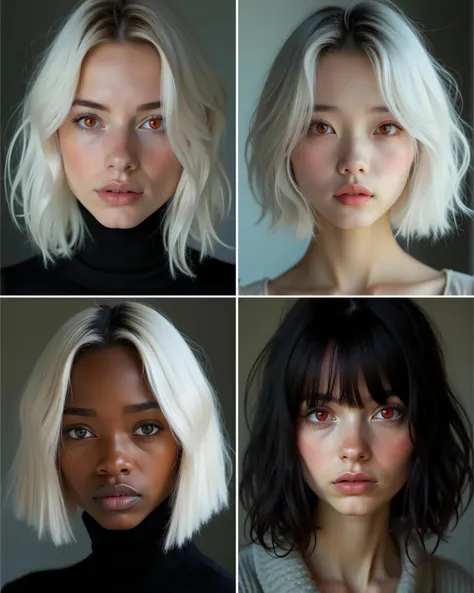
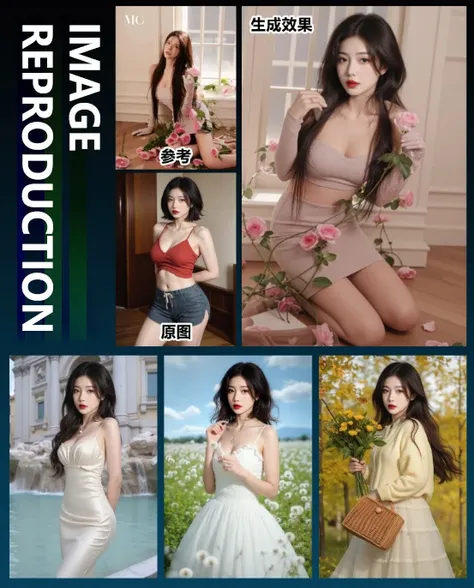
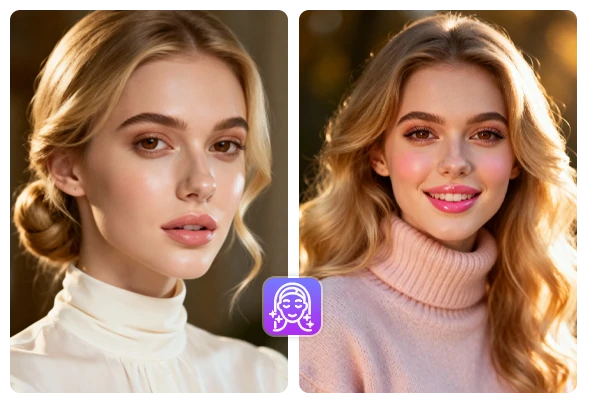
SeaArt AI face shape detector turns the analysis into next-step styling guidance you can actually use: hairstyle framing (part direction, soft waves, or side-swept bangs) and makeup balance (where to add warmth, how to keep cheeks and lip color proportional). If you want to preview multiple makeups with the same face framing, apply AI image generator to get more effects.

The feature table of face shape detector gives you precision. The report breaks down traits in plain language (chin definition, cheekbone prominence, temple shape, and apple cheeks). For example, a more defined chin may pair better with softer hair volume, while prominent cheekbones can guide blush placement and highlight intensity. Use these notes to standardize your professional headshot.
Step 1. Upload a Clear Face Photo
Use a front-facing photo with good lighting. Keep your face unobstructed and avoid strong shadows or heavy beauty filters.
Step 2. Read the Report Cards
Check the face-shape result first, then scan hairstyle and makeup guidance. The feature table helps you see what the tool is recognizing.
Step 3. Apply and Iterate
Try one or two changes at a time, then re-upload if needed. Better lighting usually leads to a clearer face-shape result.
Quick direction before a haircut, a headshot, or a profile refresh.
Why does the tool sometimes say it cannot determine my face shape?
This usually happens when the face is not fully visible or the lighting hides key contours. Use a front-facing image, avoid strong side shadows, remove heavy filters, and keep hair away from the cheeks and jawline. If it still can’t decide, the feature notes can still guide small styling choices.
What photo works best for accuracy?
Choose a sharp photo with your full face in frame, neutral expression, and even lighting. Avoid sunglasses, masks, strong beauty filters, and extreme angles. A simple background helps the tool focus on facial structure.
Can I use the result to improve profile photos and headshots?
Yes. The report is most useful for practical changes you can apply quickly, like hairstyle framing, part direction, and balanced makeup. After you settle on a look, create supporting visuals on SeaArt AI for banners or profile covers.
"I used the report before booking a haircut. The face-shape result plus the feature notes made it easier to explain what I wanted to my stylist."
Hana L.
Student
I needed a better LinkedIn photo fast. The AI tips helped me adjust my part and makeup. The new headshot looks more balanced.
Marcus R.
Job Seeker
"Sometimes it can't label the exact shape, but the guidance still helped. With better lighting, I got a clearer result on the second try."
Priya S.
Content Creator