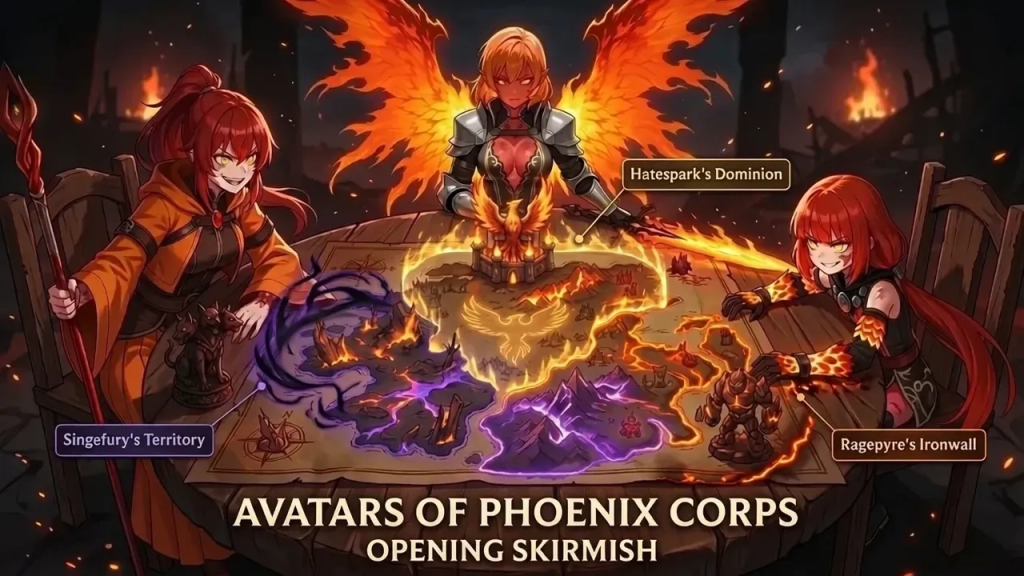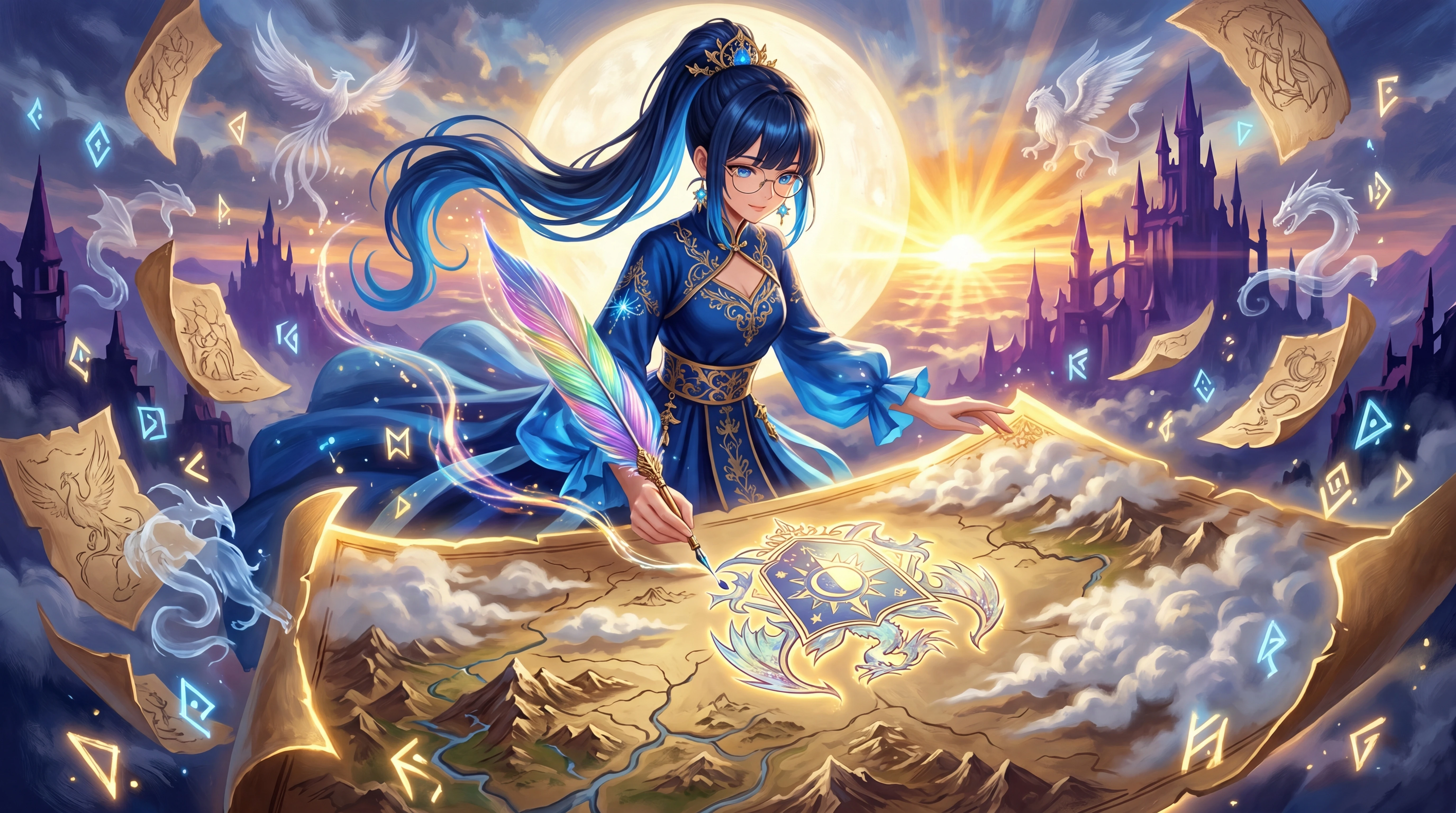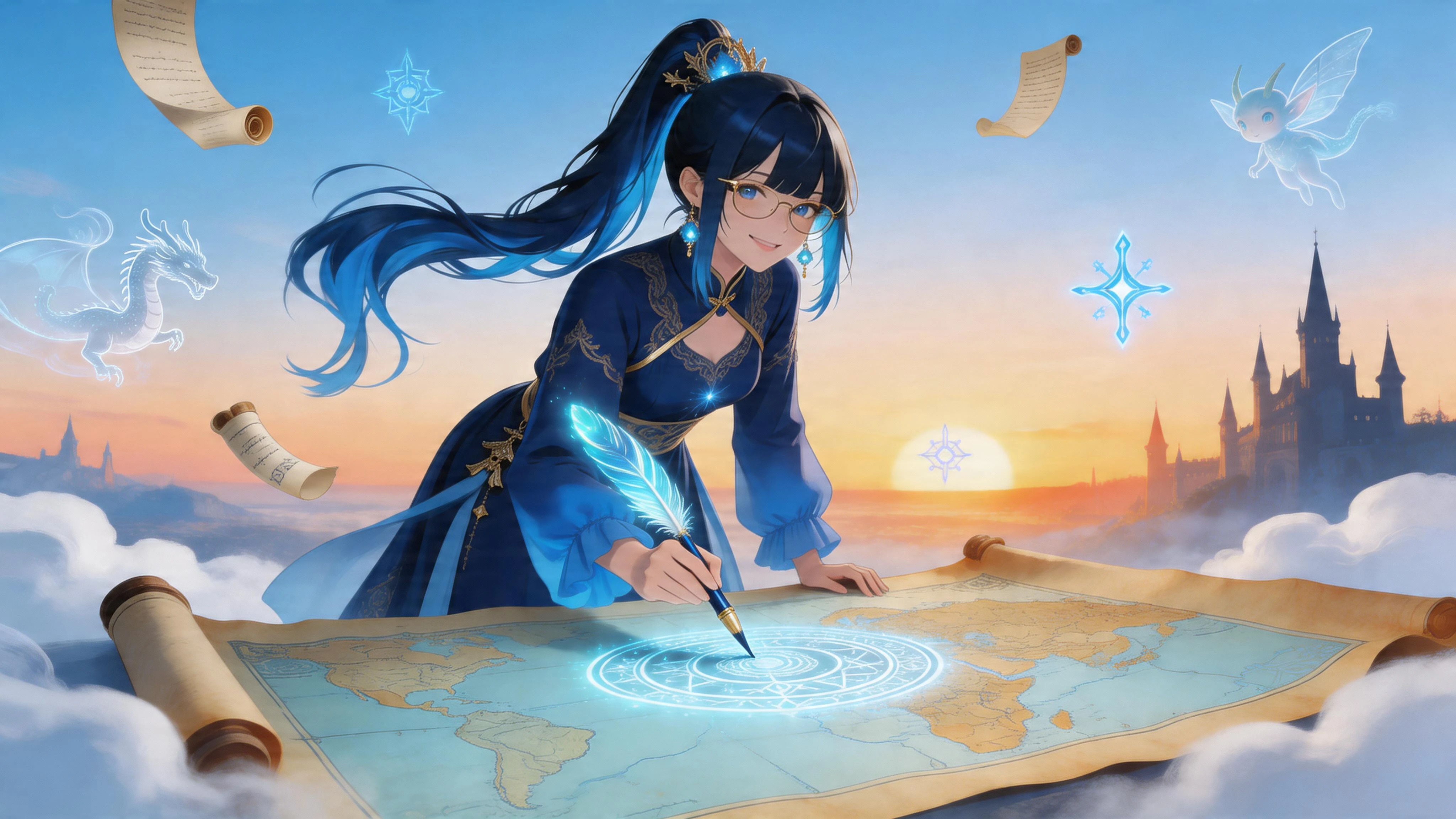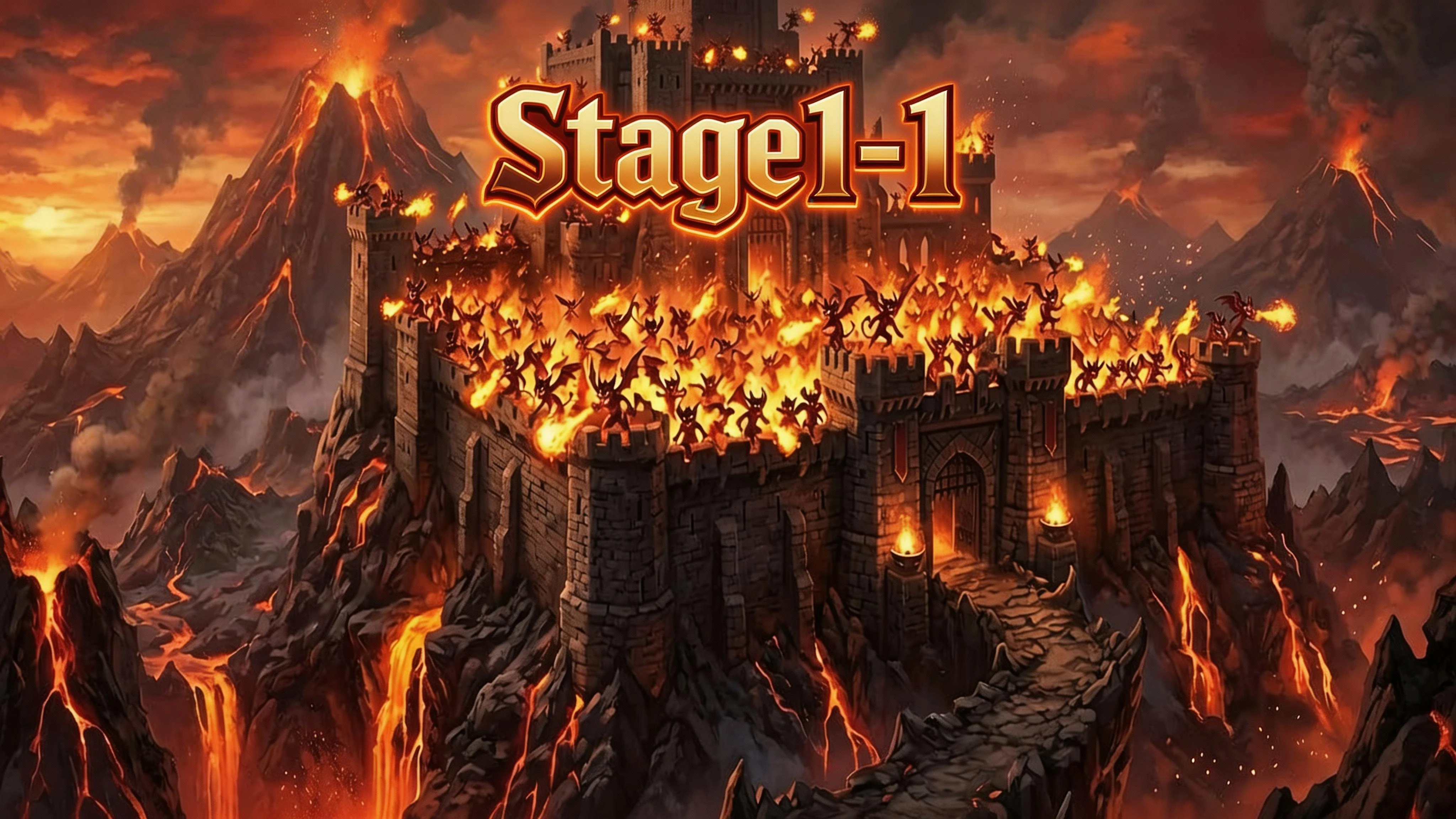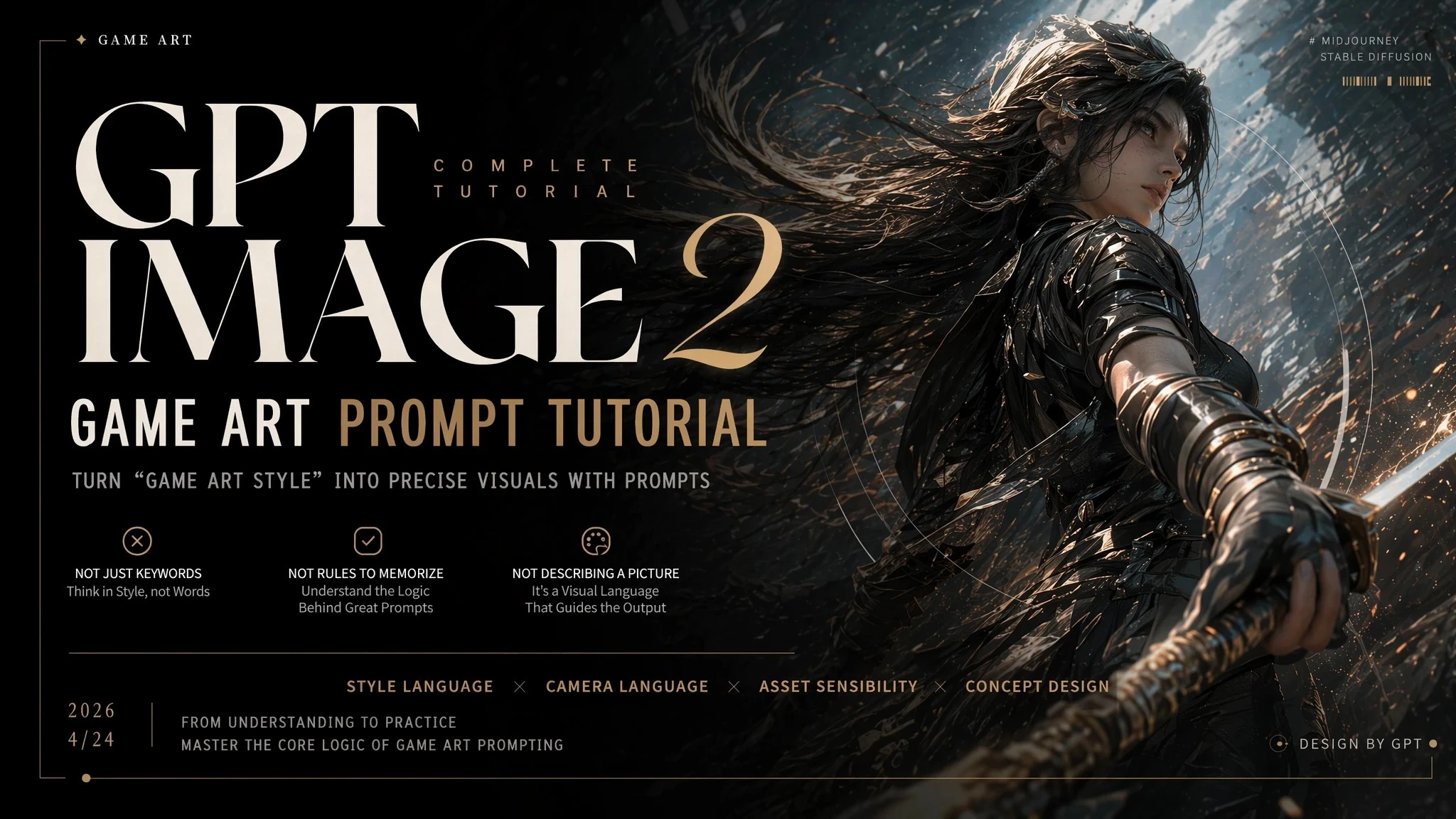

—— Reproduce the “game art style” in one precise sentence.
GPT Image 2 has a core change to understand when generating game art:
❌ It’s no longer “mixing keywords to form a style.”
✅ Instead, it’s “replicating the game’s rendering logic using visual rules.”
That means:
👉 You’re not “describing an image.”
👉 You’re “simulating how a game engine outputs its visuals.”
I. Core Capabilities of GPT Image 2 for Game Art
It excels at recreating three things:
1. Rendering Style (Core)
● Cel shading / Realistic rendering / NPR style
● Lighting model (PBR / Soft lighting / Cel shading)
2. Game Camera Language
● Third-person / First-person / Isometric view
● UI feel / HUD presence / Camera distance
3. Game Asset Texture Quality
● Character modeling details
● Materials (metal / fabric / skin)
● Environment textures (grass / rocks / ruins)
II. Prompt Examples – Game Concept Art
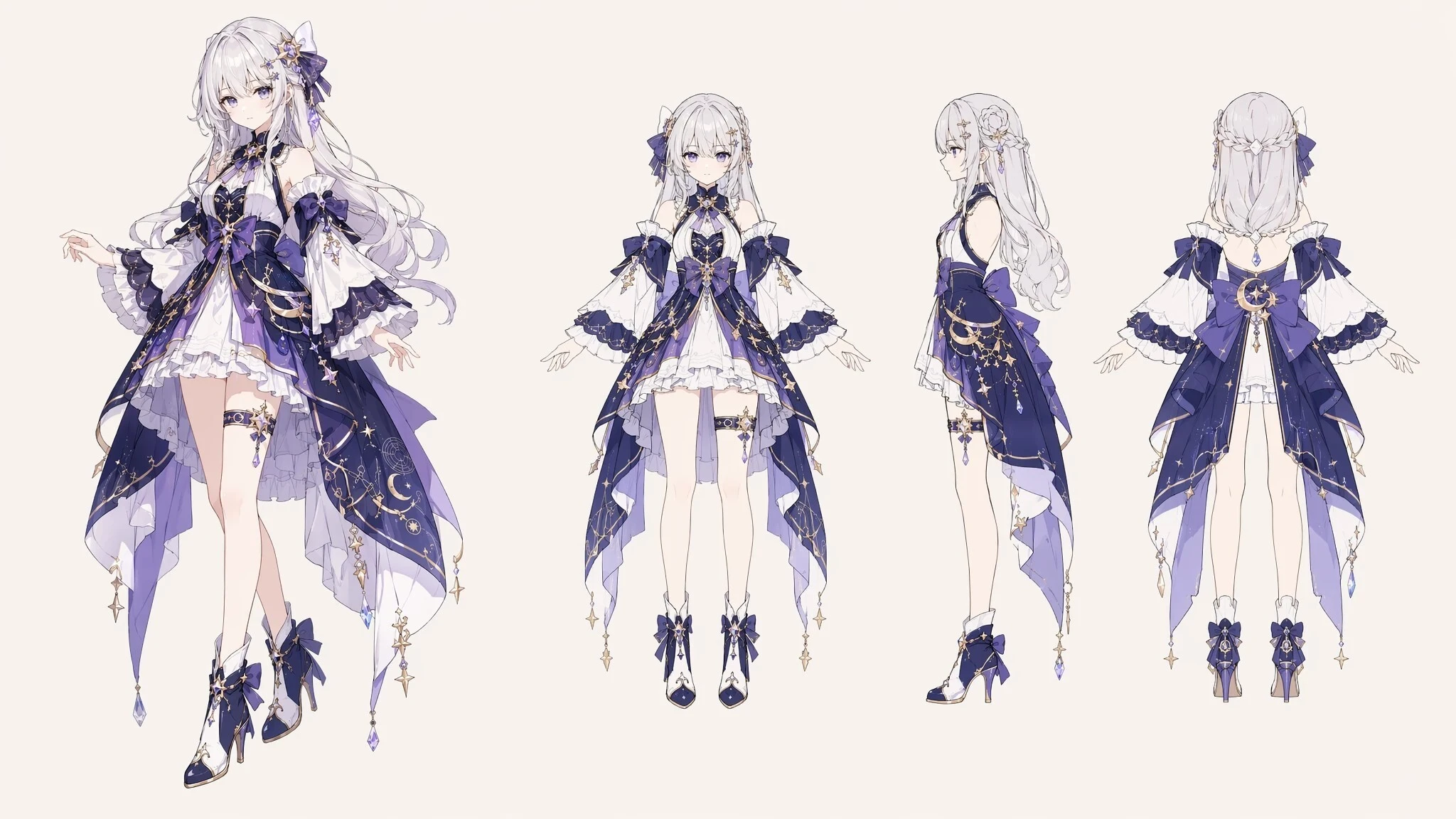
1. Japanese Anime / 2D Concept Art
👉 Features: Clean lines + strong design + clear colors — used for character illustrations and early Live2D work.
Prompt: Anime game character concept art, a fantasy-style girl, full-body standing illustration, layered costume design, distinct color zones, clean line art, slender character proportions, solid background, design showcase purpose, no complex shading.
2. Semi-Realistic Concept Art
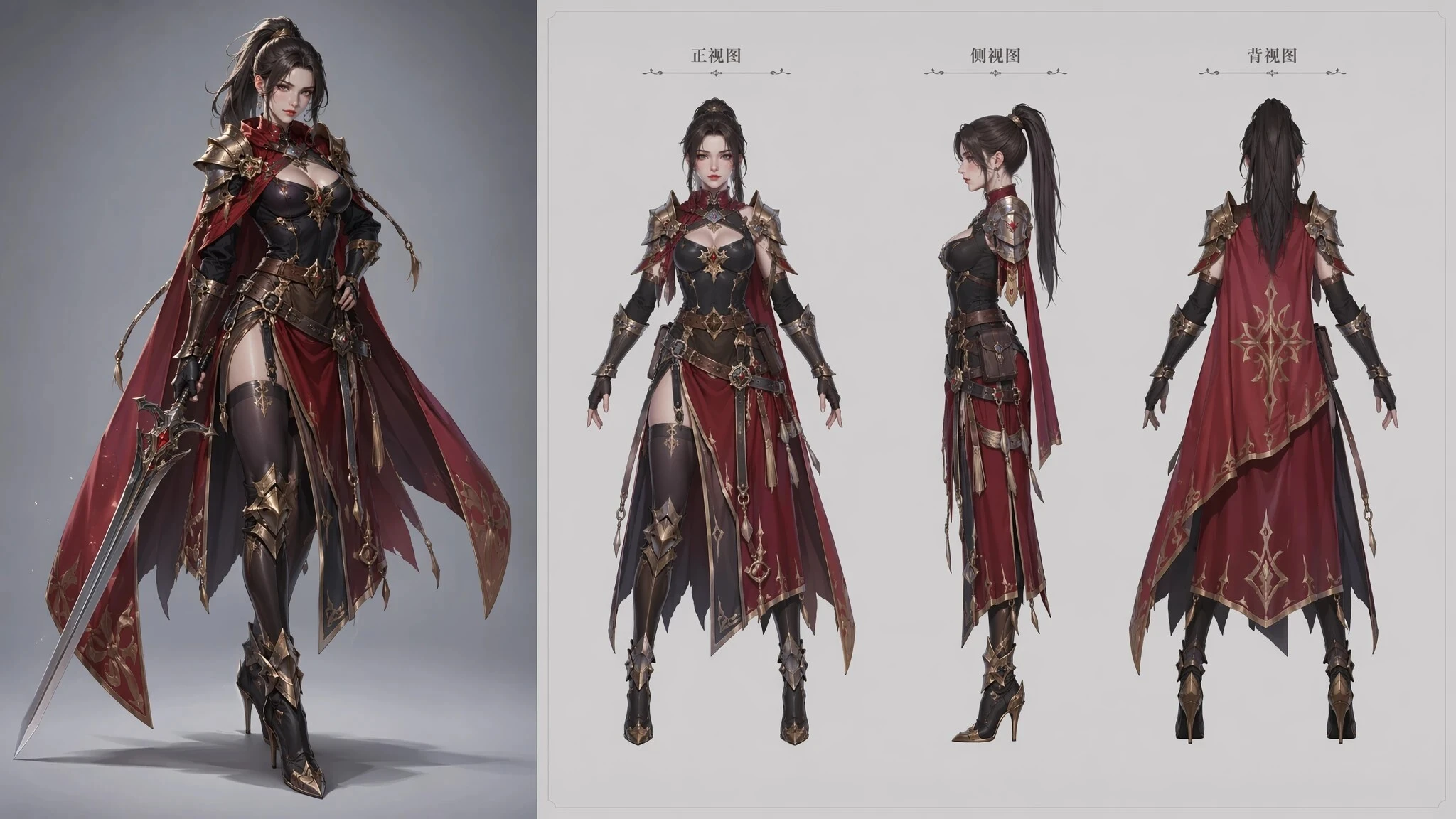
👉 Features: A blend of realism and cartoon — retains design clarity with volumetric feel.
Prompt: Semi-realistic game character concept art, a female warrior, full-body showcase, detailed face with slight stylization, rich costume details, distinct material separation, balanced lighting not overly realistic, clean background, used for game character design — left side final illustration, right side three-view drawing.
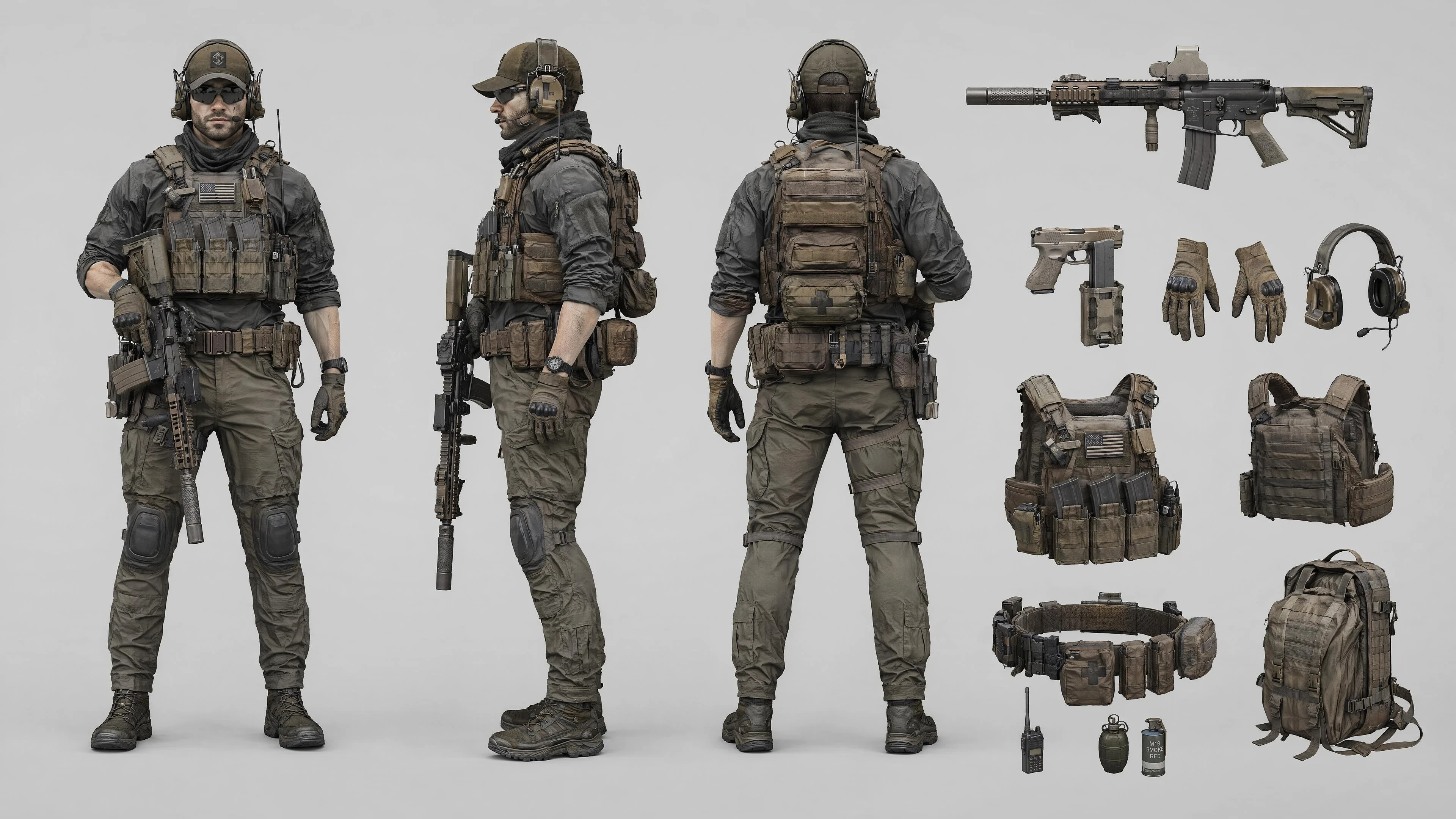
3. Realistic AAA Concept Art
👉 Features: Emphasizes real materials, logical structure — close to in-game final quality — used for early AAA project design.
Prompt: Game character concept art, a tactical male soldier, full-body design sheet, detailed equipment (tactical vest, weapon attachments, clear differentiation between fabric and metal), structurally sound, realistic materials, even lighting without strong dramatic shadows, functional design focus, clean background.
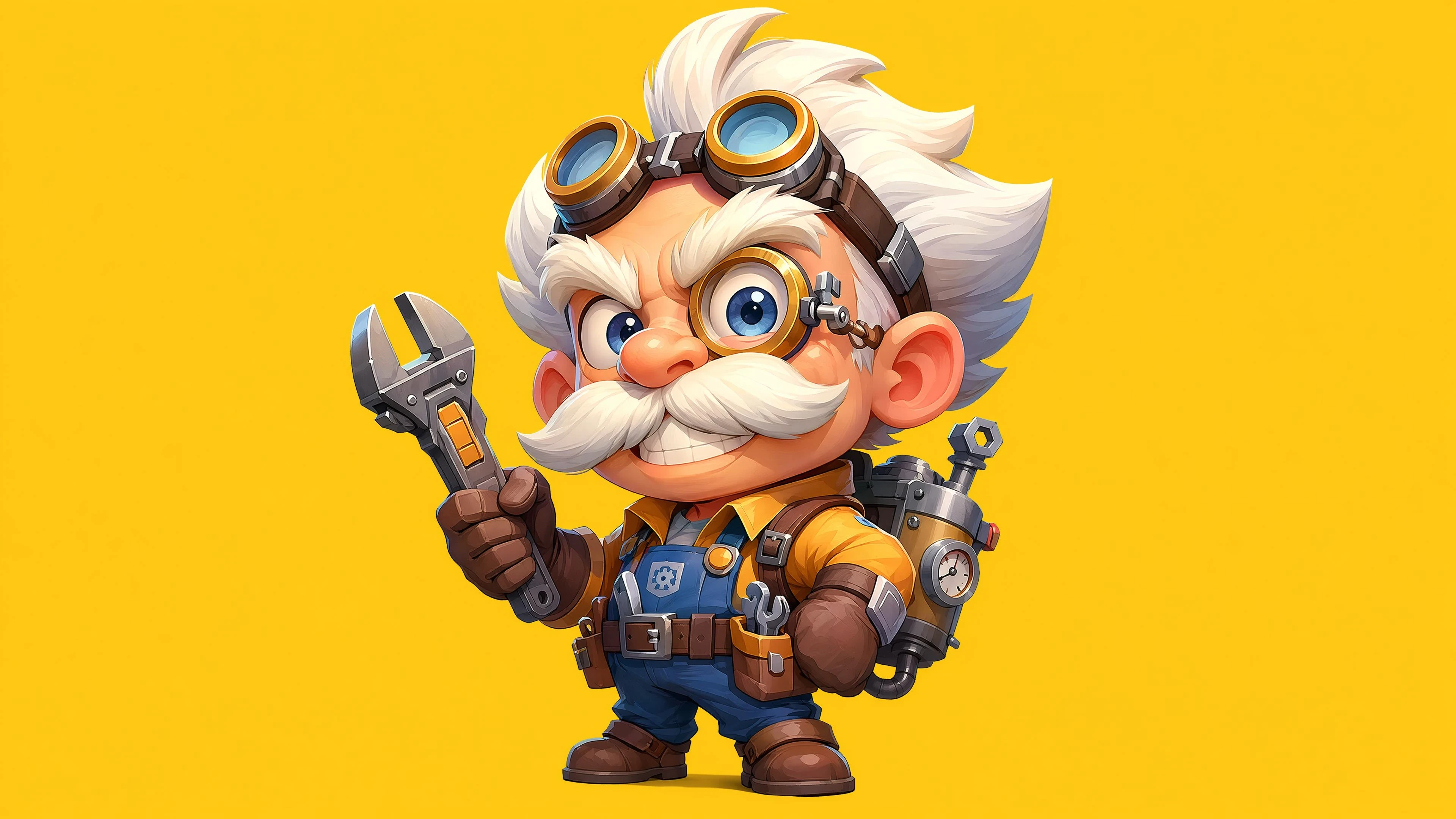
4. Cartoon Style Concept Art
👉 Features: Less focus on detail — more on “vibe.”
Prompt: Cartoon style character concept art, an exaggerated proportion mechanical engineer, big head small body, vibrant colors, simple but highly recognizable shapes, clean outlines, solid background.
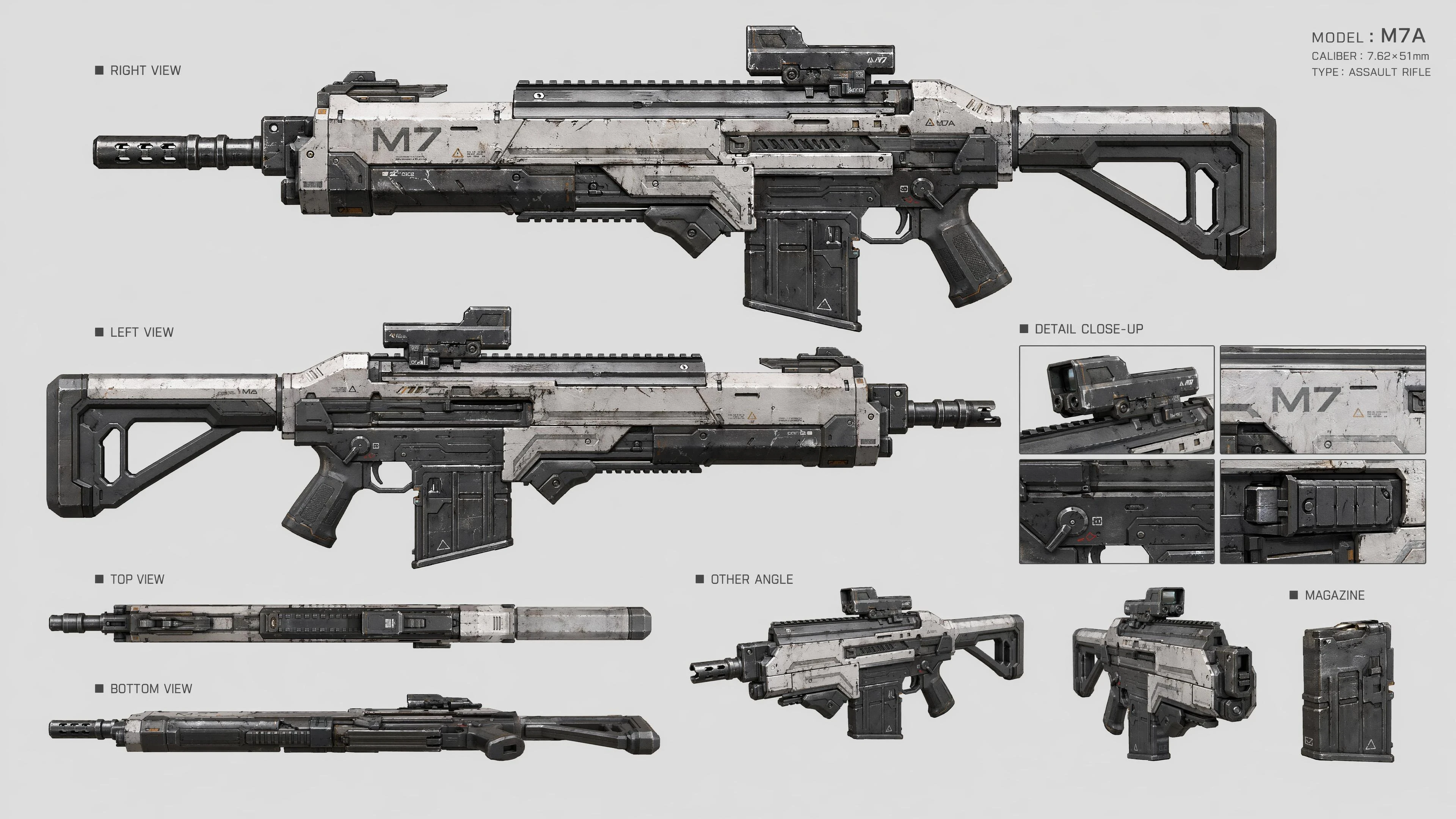
5. Weapon / Prop Design Sheet
👉 Features: Exaggerated shapes + bright colors + simplified structure.
Prompt: Game weapon design sheet, a futuristic sci-fi rifle, multi-angle view (side, detail close-up), metallic surface with wear and scratches, clear structure, solid background, design blueprint style, suitable for game asset production.
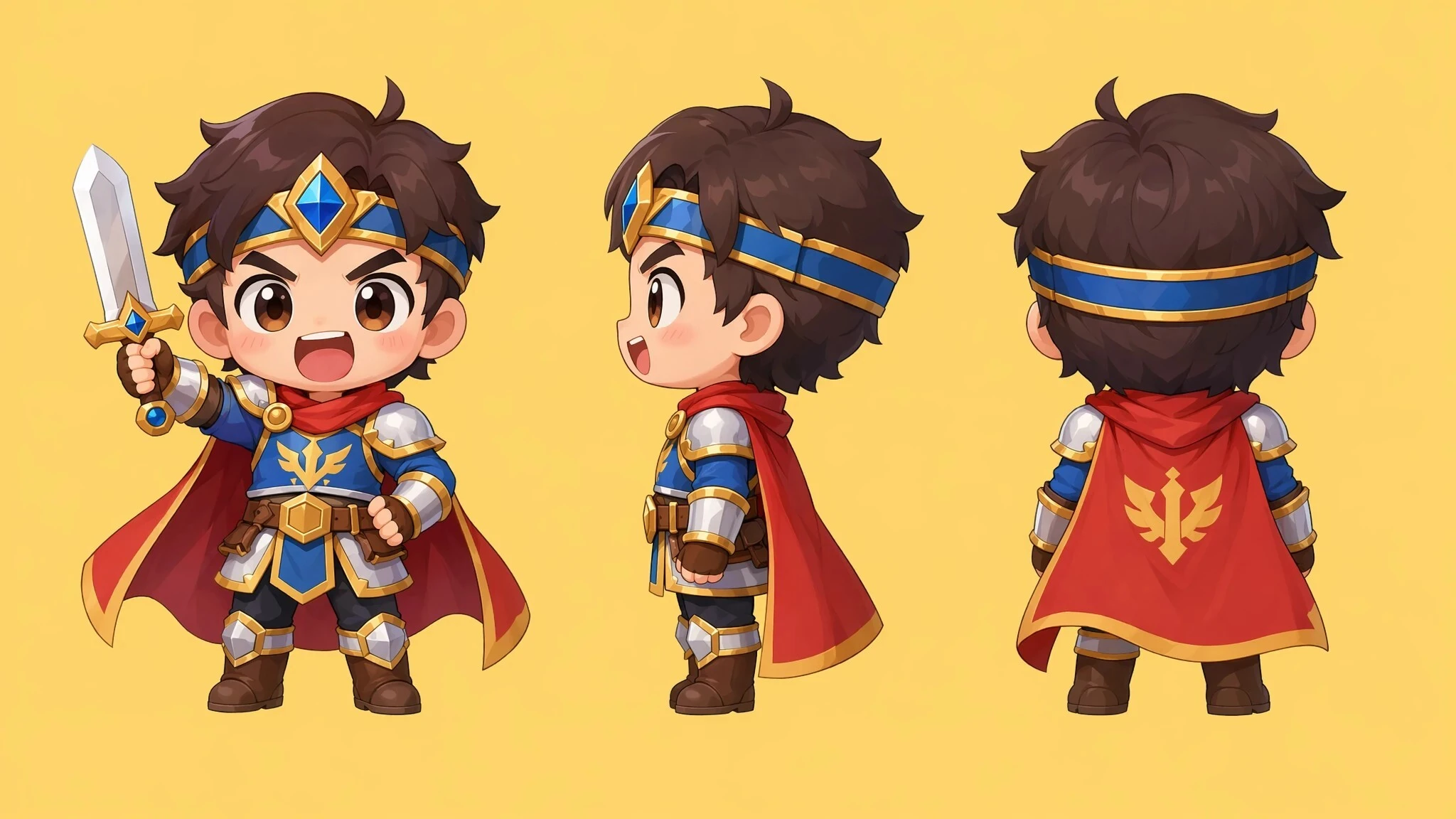
6. Chibi Character Concept Art
👉 Features: Big head small body + cute design.
Prompt: Chibi character design, an adorable warrior, big head small body proportions, exaggerated expressions, bright colors, simple clean design, solid background.
7. Environment Concept Art
👉 Features: Emphasizes mood and composition — used to set artistic direction.
Prompt: Game environment concept art, an abandoned industrial city, distant ruined skyscrapers, puddles on the ground reflecting the sky, side lighting creating strong contrast, clear composition, strong spatial layering, oppressive atmosphere, painterly feel.
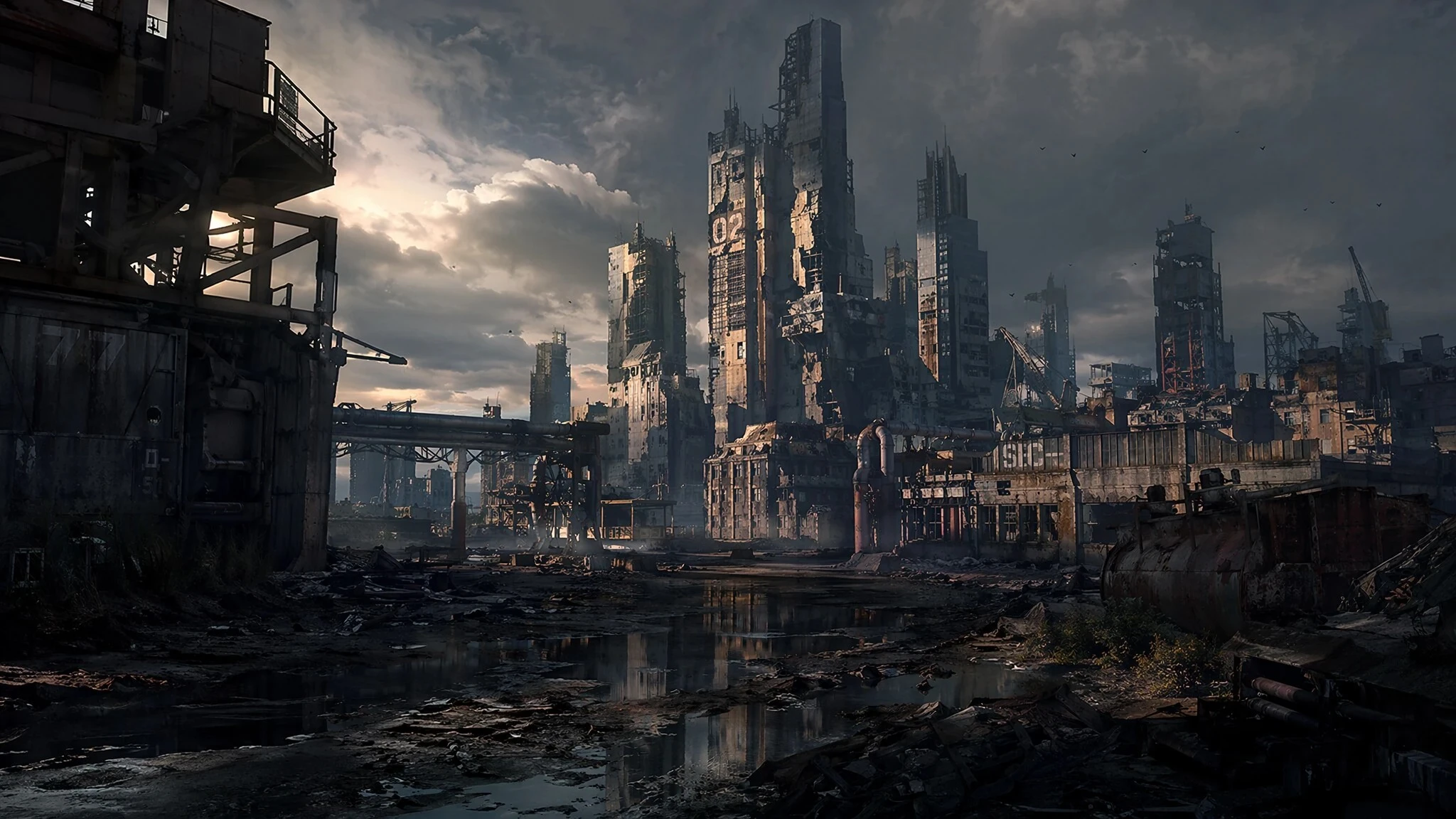
III. Prompt Examples – Gacha Draw Interface UI
1. Anime Gacha Draw Interface
👉 Features: Character centered + card display + rich UI layers
Prompt: Game gacha interface UI, an anime-style girl character standing illustration centered, surrounded by glowing card frames, “Single Draw” and “Ten Draw” buttons at the bottom, resource and currency display at the top, detailed UI decorations, clear hierarchy, vibrant colors, standard mobile gacha interface, game UI, gacha interface.
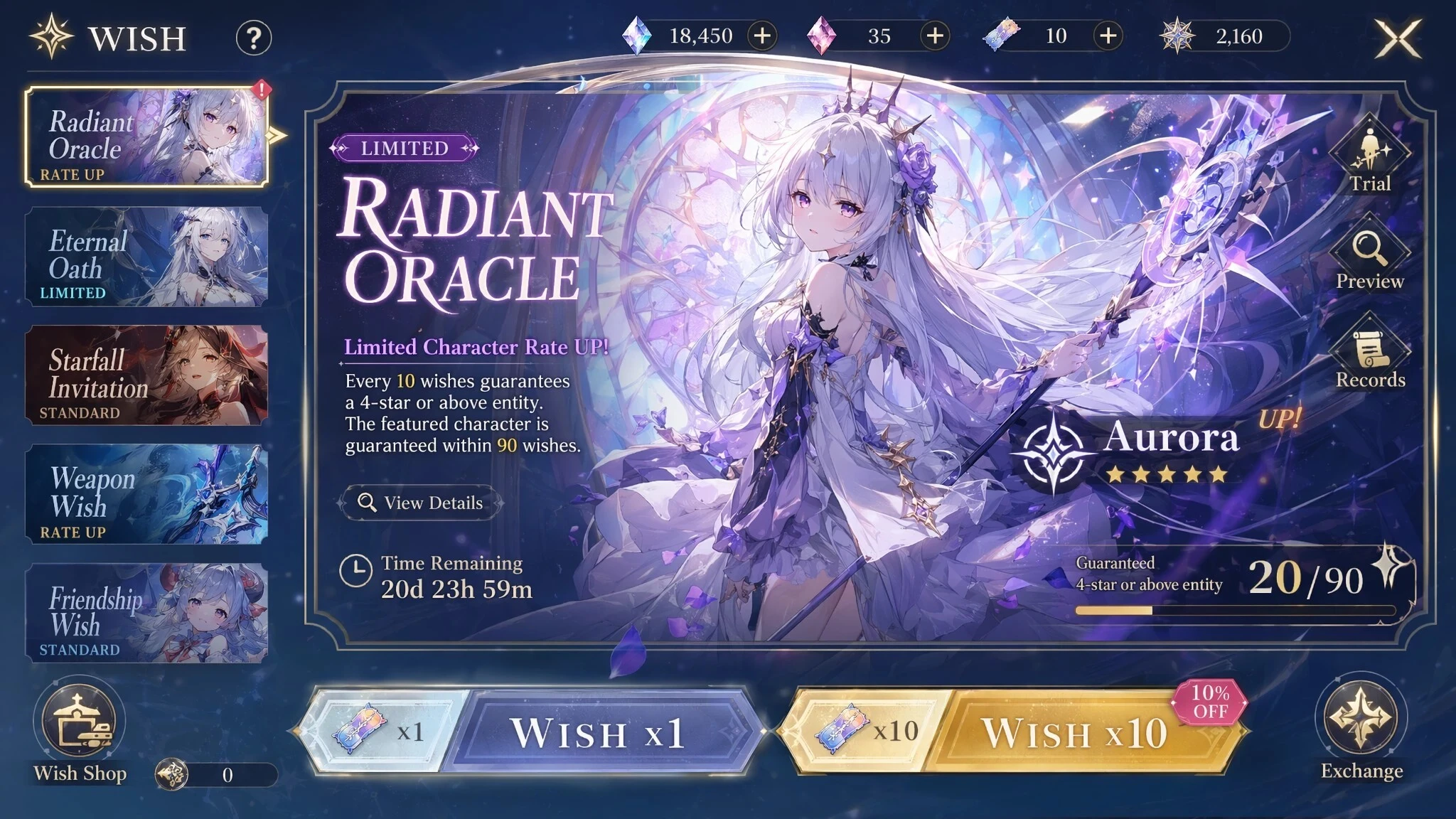
2. Premium High-End Card Draw Interface
👉 Features: Minimal but high-quality UI — cards feel like collectibles
Prompt: High-quality card gacha interface, a character card floating at the center with a gold border and light effects, clean premium background, draw button at the bottom, minimal but refined UI, realistic material feel, similar to high-end trading card game UI.
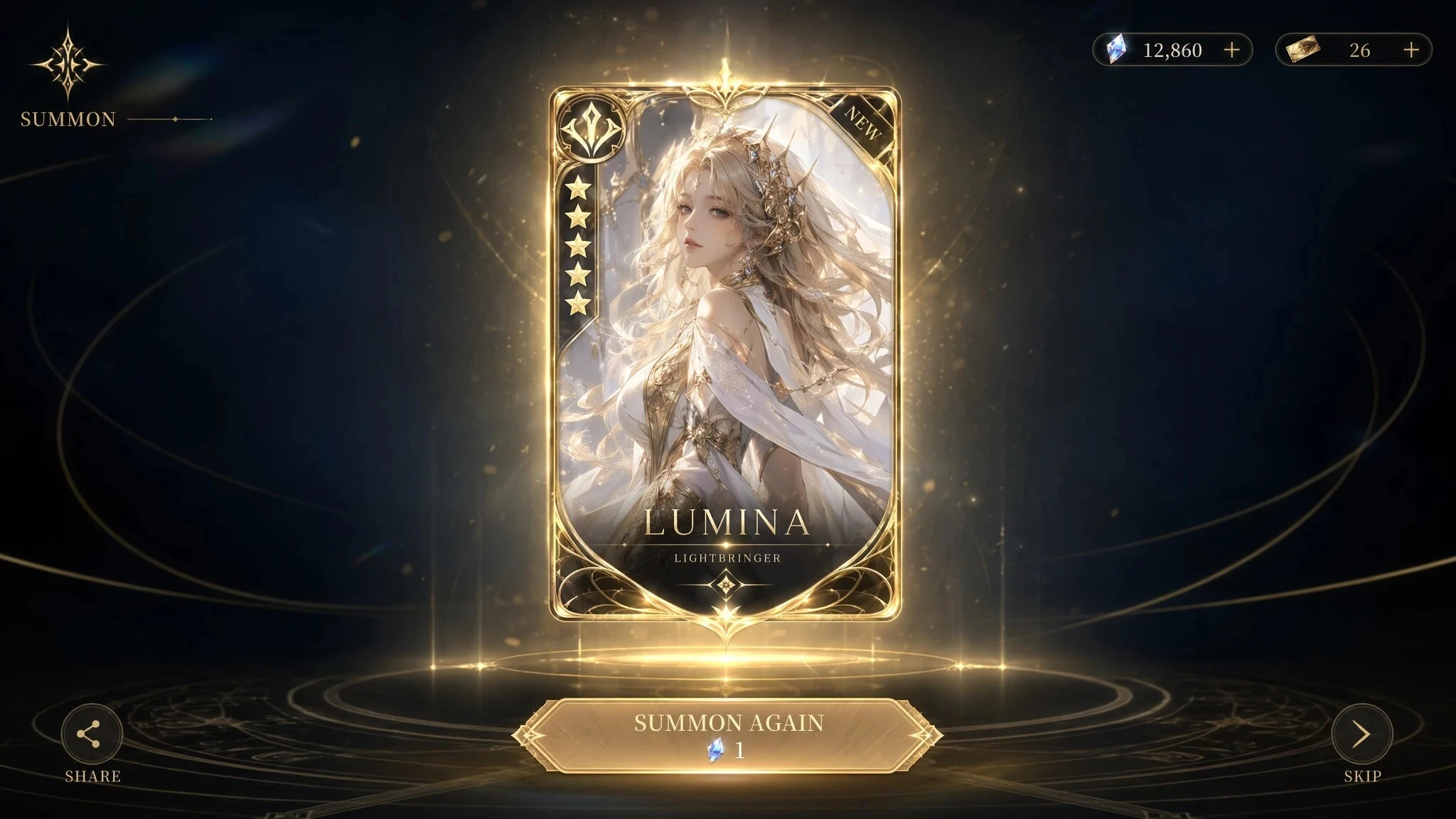
3. Industrial / Mechanical Gacha Interface
👉 Features: Character centered + card display + rich UI layers
Prompt: Industrial mechanical style gacha interface, a character being revealed/unlocked through a mechanical pod, UI with metal paneling and screw details, buttons resembling machine switches, heavy UI feel, sci-fi industrial style.
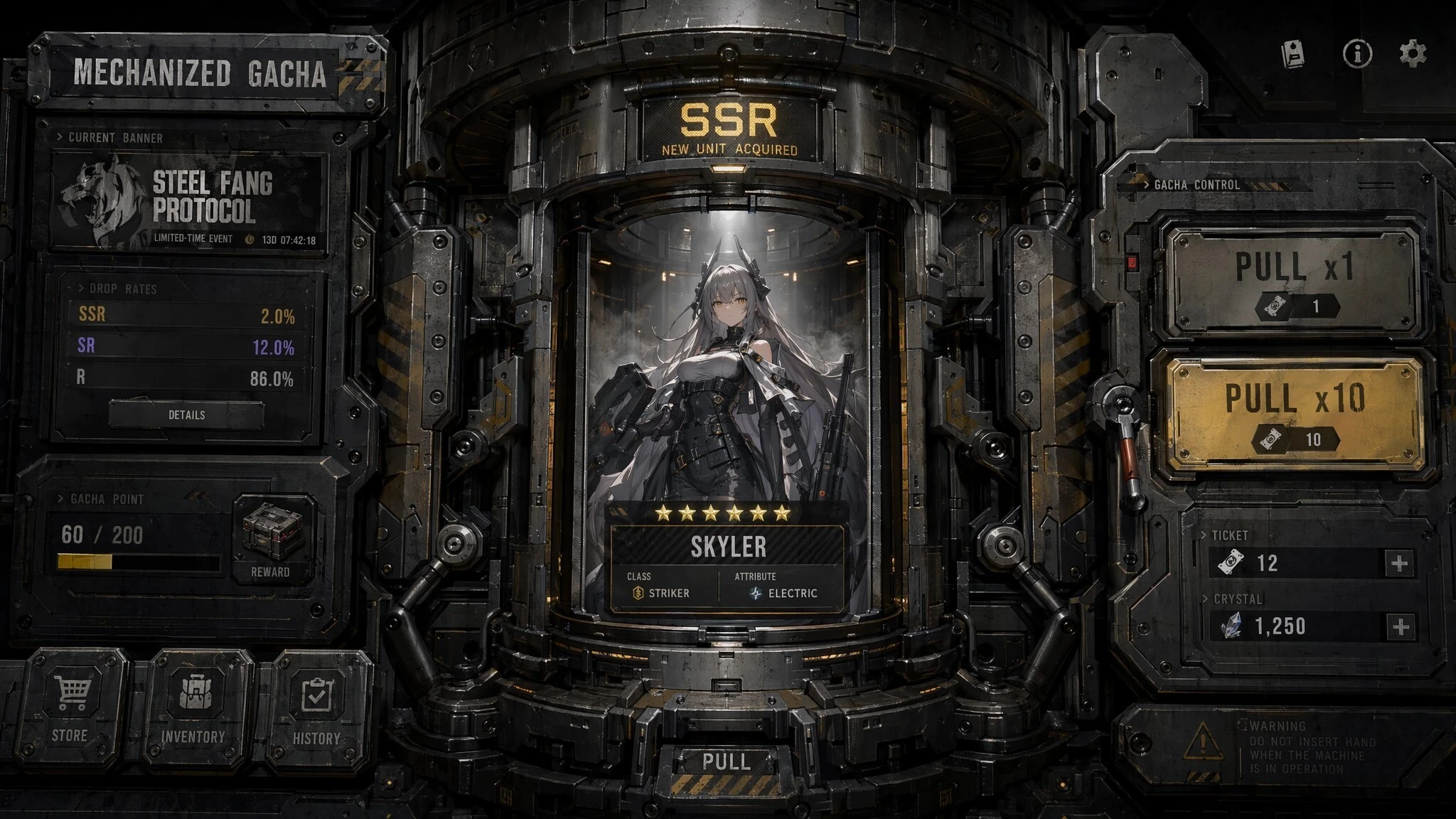
IV. Prompt Examples – In-Game Art Style / Screenshots
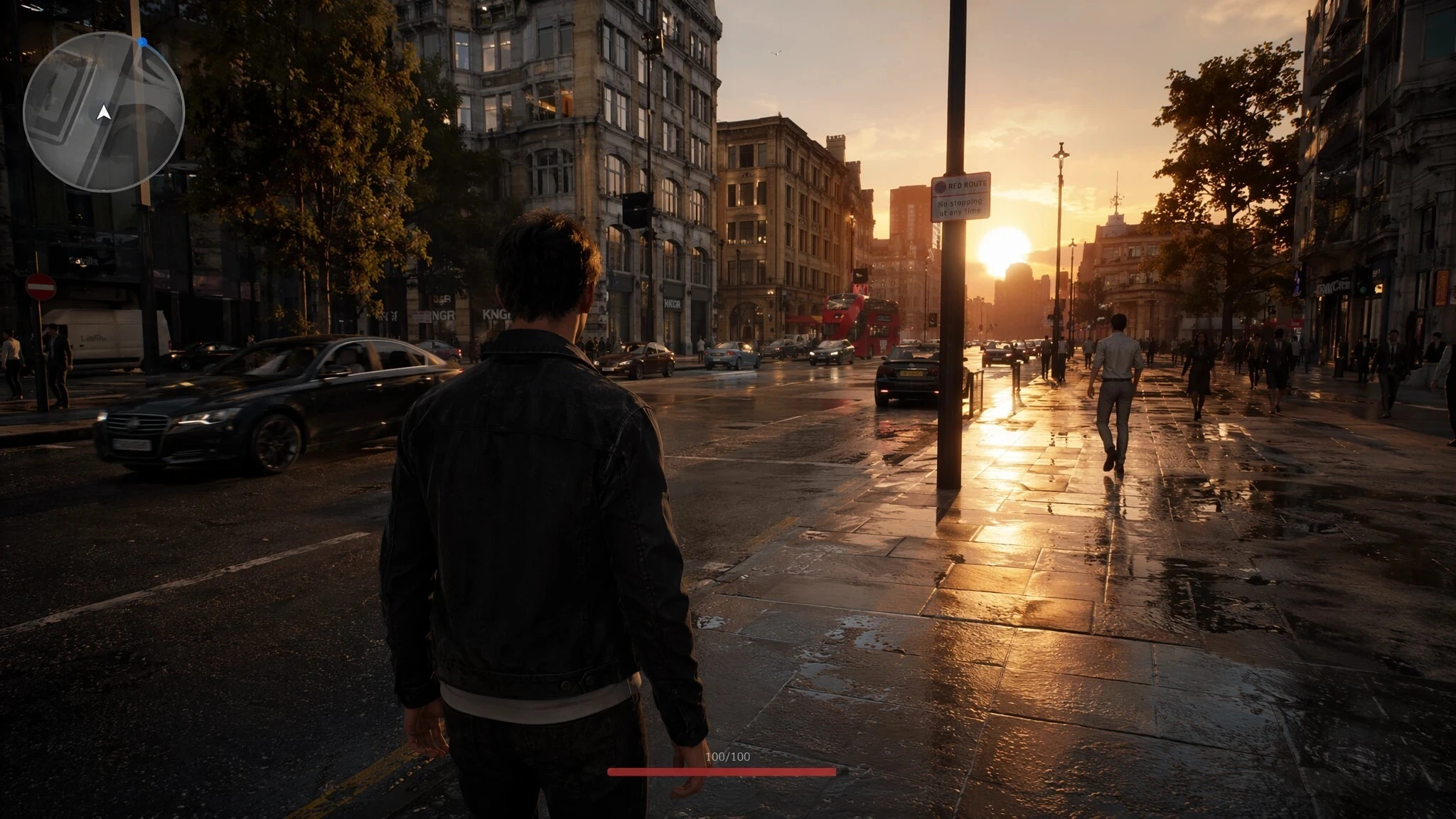
1. Open World Realistic
👉 Features: Third-person + dynamic environment + minimal HUD
Prompt: A character standing on an open-world city street at dusk, vehicles and NPCs moving naturally, third-person over-the-shoulder camera angle, minimal minimap at top-left, subtle health bar UI at bottom, PBR realistic rendering, real materials, cinematic lighting, game screenshot, real-time rendering.
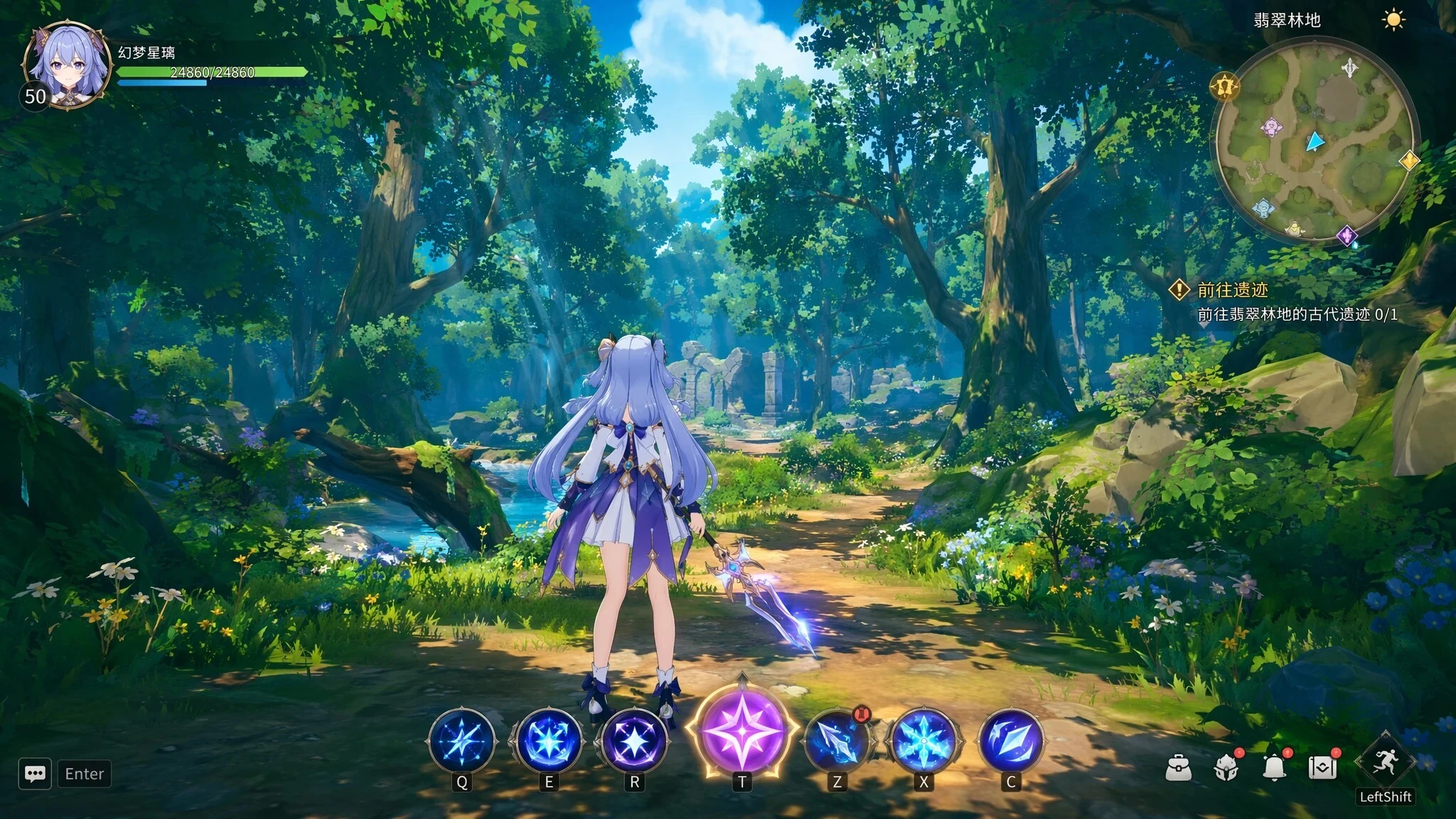
2. Anime Cel-Shading (Genshin-like)
👉 Features: Cel shading + clean UI + RPG interface feel
Prompt: A fantasy girl standing in a forest, anime-style cel shading, cel-shaded shadows, high saturation colors, third-person view, skill icons at bottom of screen, minimap at top-right, game screenshot style.
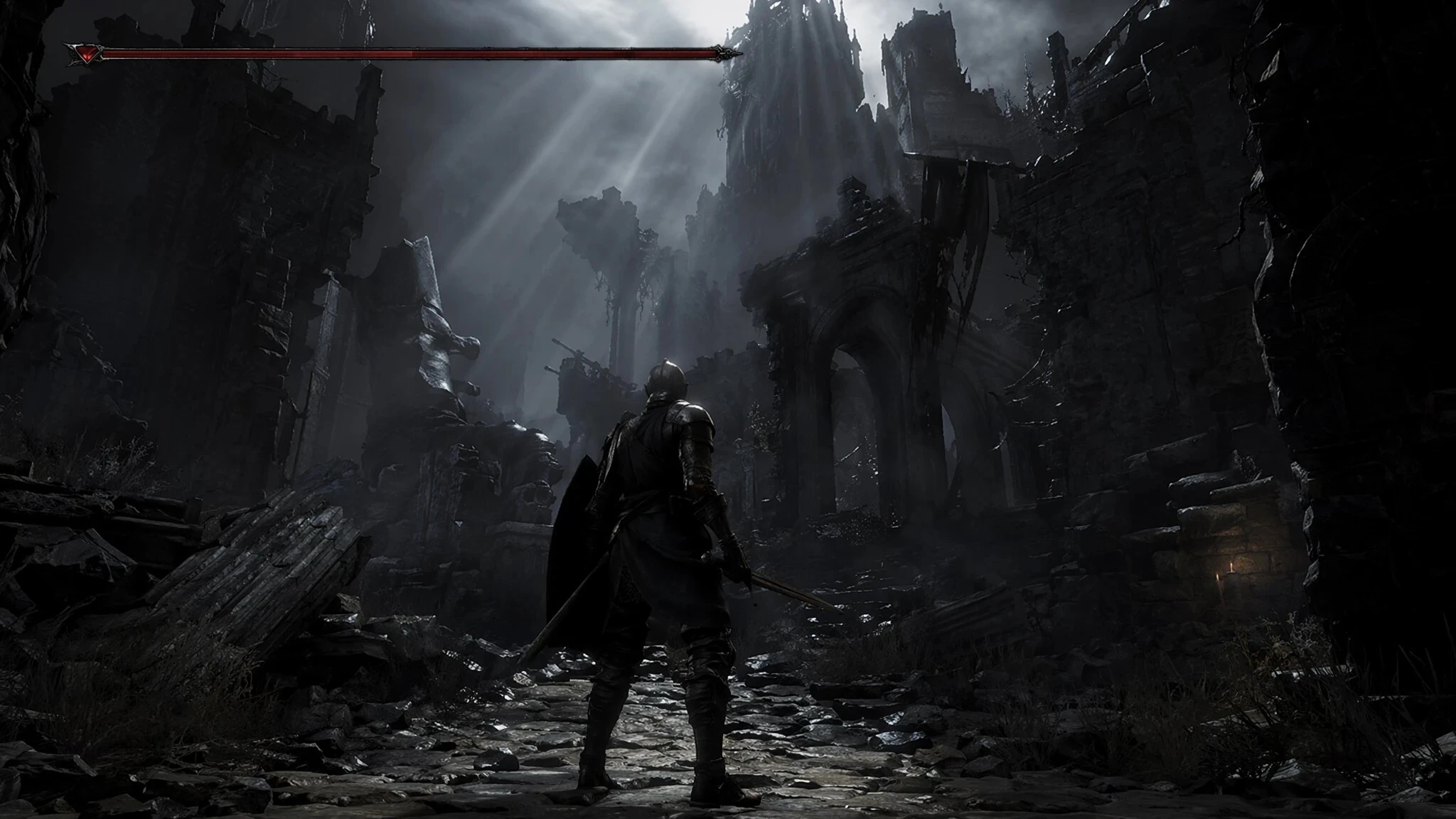
3. Dark Souls-style Dark Fantasy
👉 Features: Minimal UI + oppressive atmosphere + health bar
Prompt: An armored knight standing in ruins, low-saturation color palette, strong contrast, third-person view, thin elongated health bar UI at top, high environmental tension, volumetric lighting, game screenshot, dark fantasy game.