
Generate
History
Private Creation

Details
787
321
2026-05-03 04:48:27 Update
...View More
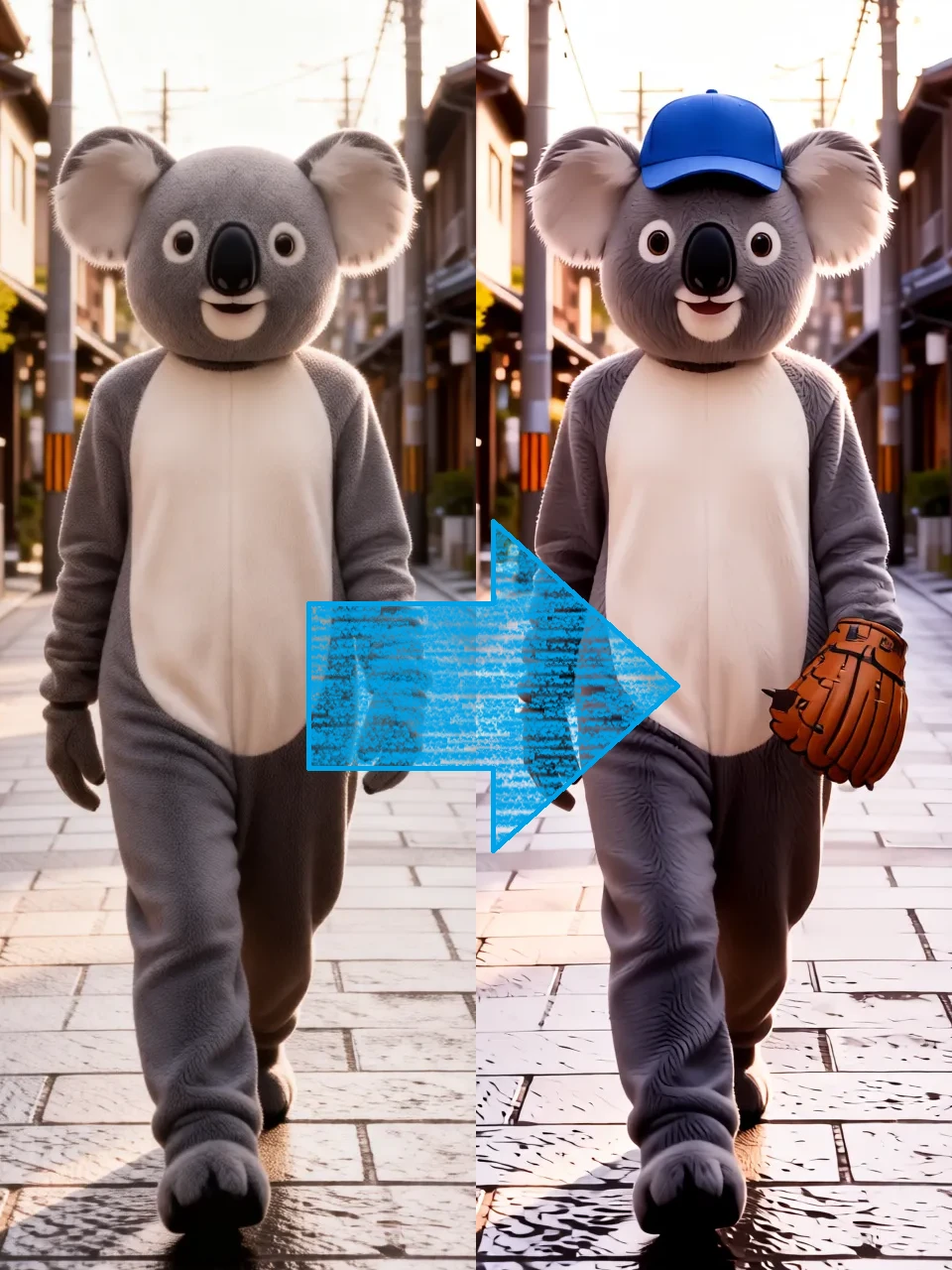
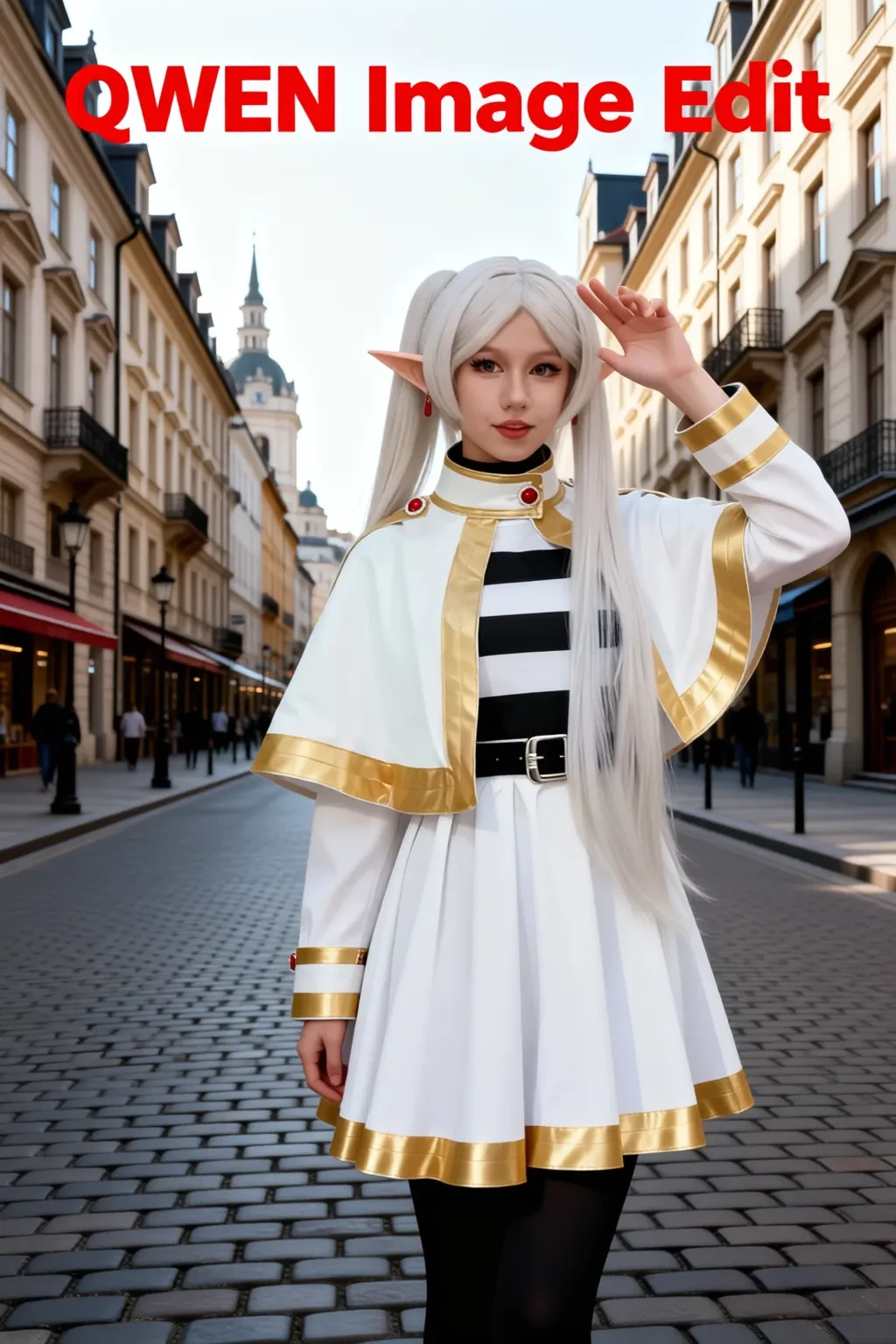
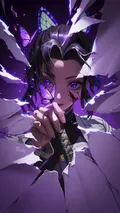
Edit images using Qwen-Image-Edit-2511. The models used are as follows:
・Qwen-Image-Edit-2511-GGUF(https://www.seaart.ai/ja/models/detail/d55kr5de878c73c31vo0)
・Qwen Image Edit Lightning(https://www.seaart.ai/ja/models/detail/fe457b5aa9690cd2a38db8cdc339e77f)
Options
・You can upscale the original image (1.0–2.0x) before editing.
・You can specify the output size. If you do not specify a size, the size of the original image (Image1 in multi-image mode) will be used.
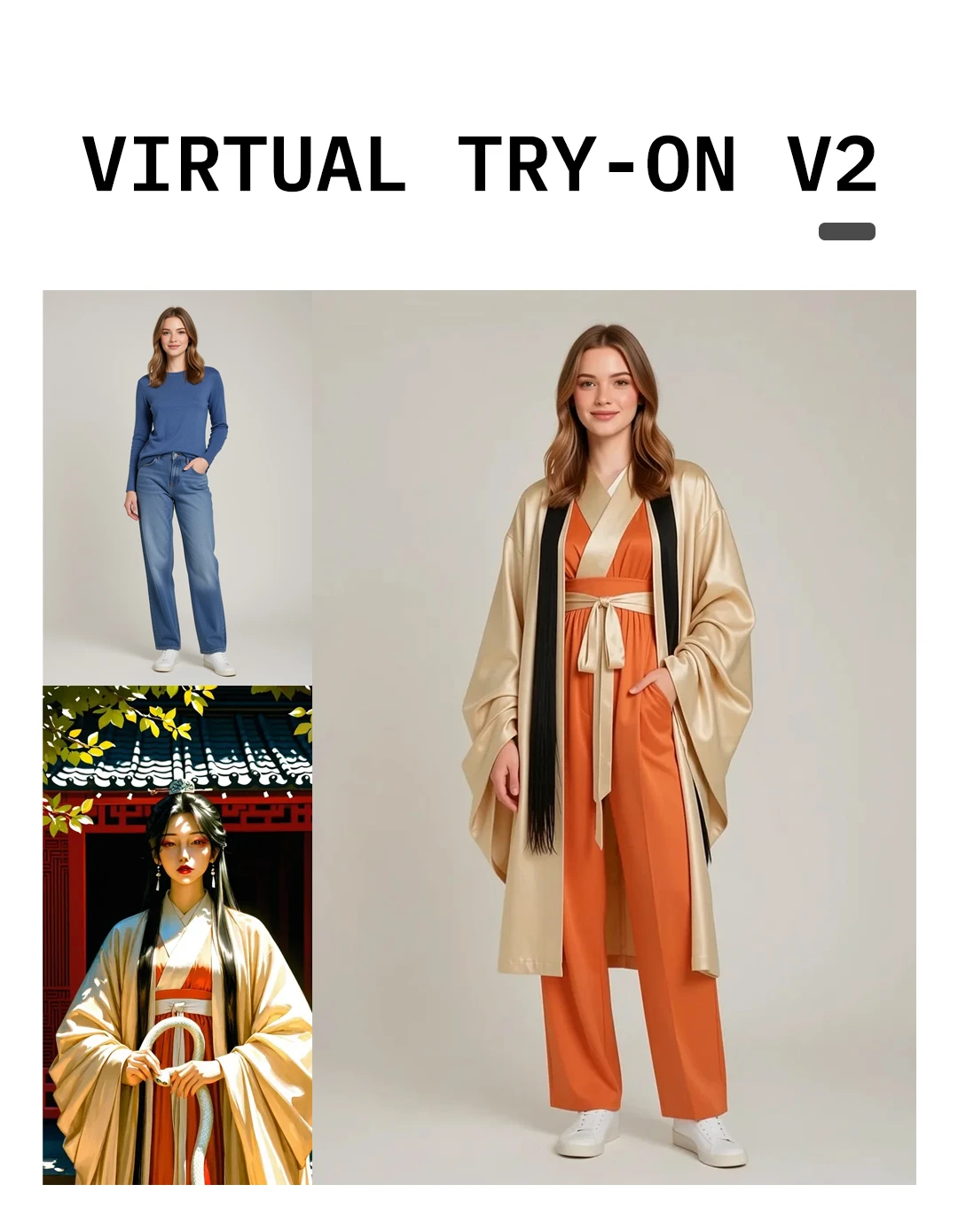
・In multi-image mode, you can use up to three reference images (e.g., change that person's clothing to the dress in Image2).
more

No data available

あかさたん
197
4.3K
Explore Related







Download SeaArt App
Continue your AI creation journey on mobile devices